Affirm, i shall try the pairing and tell you in a few minutes how it goes
1 Like
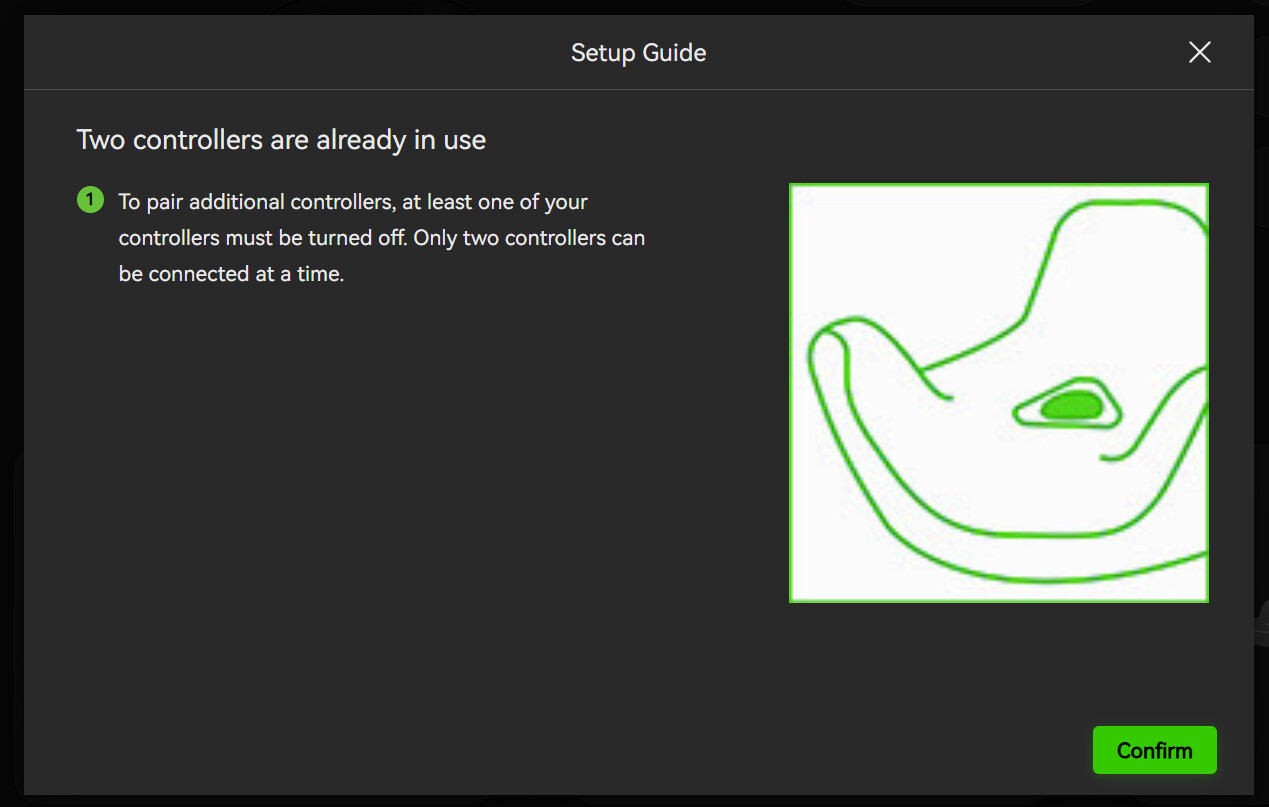
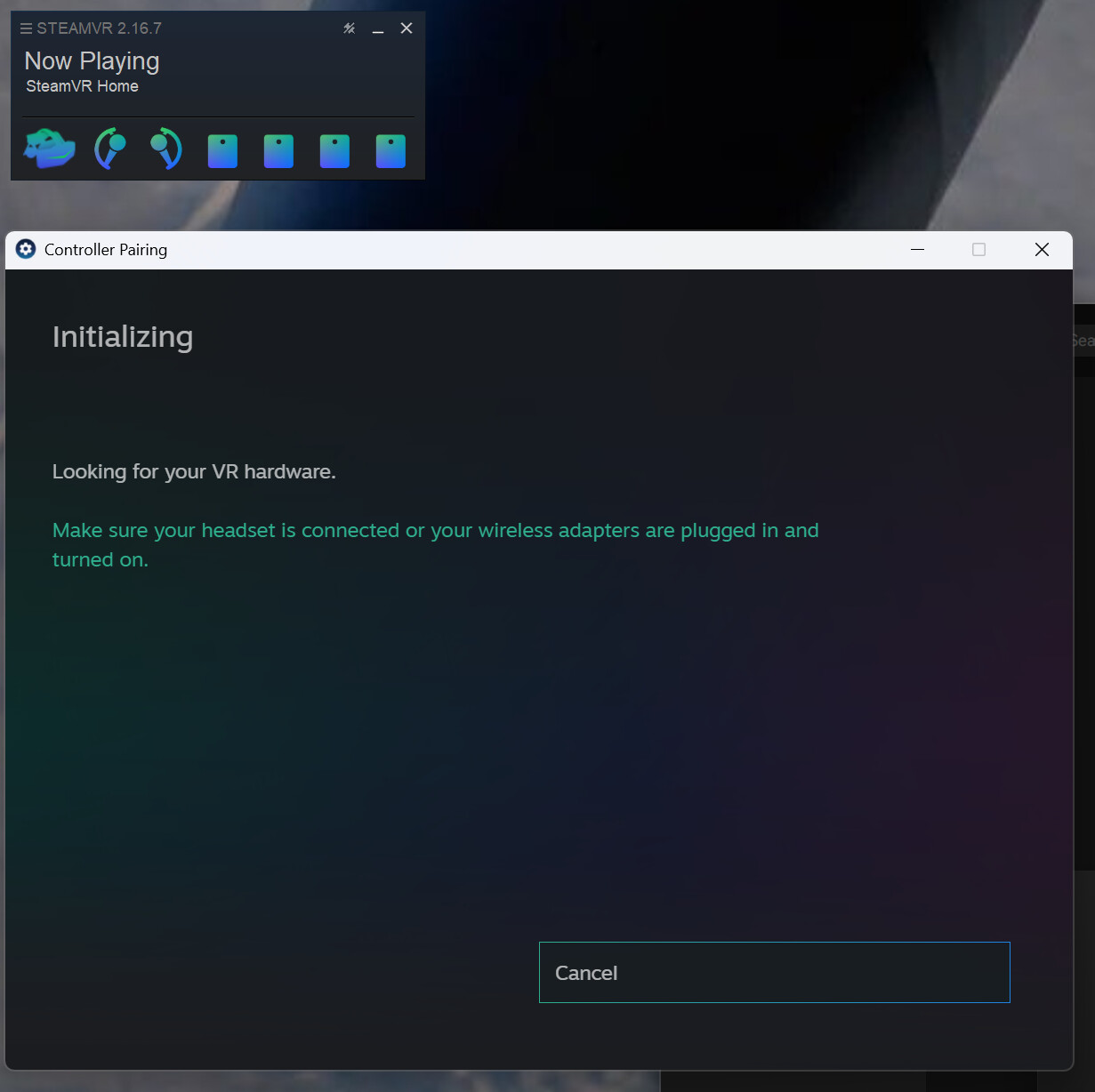
Still the same issues with the pairing @PimaxQuorra , atleast on the crystal super with LH faceplate, only allows to pair the 2 onboard dongles to controllers, but then no longer allows pairing to additional devices without doing the bypass method I mentioned in my previous post
1 Like
Noted. Let me report this.
On another note, I see in 2.0.3 we finally got customisable mapping. Will IPD adjustment be an option seen potentially added to this mapping idea? id like to adjust my IPD with the buttons just like the OG so i can get the perfect distance rather than messing with the desktop app constantly.
Damn shame the advanced settings still dont show per game library settings though.
1 Like
Yes, I’ve already proposed that to our dev team.
Regarding the earlier issue, you were trying to pair additional Lighthouse devices (trackers), but it didn’t work, right?
Yes thats correct, pimax play only recognise / sees / ackowledges the 2 dongles inside the super faceplate, but no other SteamVR dongles connected to the system
to pair additional trackers has to currently be done via the bypass method with Pimax Play completely clossed and starting SteamVR with no HMD. or using an external application to manually pair which can be a hit or miss.
1 Like
So, tried the new 2.0.3.
its much better than the last one.
latency was 1.4avg in 2.0.2.
its now 0.9-1.0 for 2.0.3
Version 1.43.9 was what i was on and was the best at the time (latency 1.1-1.2)
Now, the ONLY issue i found out and needs to be fixed…
the PP button… so i found out ON(green) means its OFF in steamvr(2000x2100) and OFF(Grey) is ON…(2100x2600 res in steamvr)…
So this needs to be reversed and reported…Really weird.
1 Like
I have both of the latest builds of EVO and Classic. However, when switching from Evo to Classic, the Classic reverts to a previous version where the new QV are gone. If I click Beta in Classic it brings an update. When the update installs I lose EVO. So, I completely remove/uninstall both, I can only install Classic to get the latest functions - QV enhanced and FOV. What’s going on? For the avoidance of doubt, I did a ‘clean install’ of each. Also, after having this issue, I used REVO Uninstaller for assurance there were no leftovers, but still both fresh installs returned this issue.
Need to report back for V2.0.3 build.
For P2 headsets(was having issue with my wifes PC) if you have for example 90hz mode and want to use “Normal” Fov, you now have boxes for FOV(it messes with it) and if you do “narrow” its like cat eyes instead of the FOV being even smaller.
somehow this version messed with P2 FOVs for the normal selection.
the only way its fixed if i select “Wide” Fov and then everything is fine but its way too wide for the 5K headset(and ever since i got a 9070xt for my wife she cant go past 90hz anymore no matter what i try)
So i had to go back to V1.43.9 and everything fine(but still stuck at 90hz)
Set have it at “Normal” FOV with PP off and its 2500x2100 compared to if it was on “WIDE” at 3400x2100.
wanted to have this reported.
Edit: after using mine same issues.
also in 160hz mode for my 5K Super the FOV(2.0.3) seems more round/smaller in WIDE FOV compared to V1.43.9
Noted. Let me report this.
The QV fine adjustment is already available in EVO, but the FOV adjustment is only available in Pimax Play 2.0.3.
Pimax play or Pimax Evo. After enable Pimax Home My PC starts stuttering and slowing down. If I switch Pimax Home to “off,” everything works fine. Where is the problem?
9800X3D, rtx5090, 64Gb Ram, pimax super micro oled
Can you also ask to have it start at 0% instead of a forced 5%??? for 2.0.3 custom FOV.
i have no idea why custom starts at it, and for example i would like to mess with the WIDE(horizontal) and not mess with the Vertical(up and down) if i feel its too wide and want to tone it down for only that for custom.
That is the only other thing i can think of for feedback.
Other than that i noticed once again the color profiles for the P2(5K) headsets are messed with again. and i have to use -1 for brightness instead of -2, but at the same time seems the panels more dark compared to 1.43 and 1.44 versions.
Hi. That’s not entirely what I’m saying: there seems to be incompatibility - I can’t run both the latest EVO (v1.01.103_202607172158) and latest Classic together - can’t switch from one to the other without losing either of those latest versions e.g. If I have the latest PPL installed and flip the switch in settings to EVO, EVO does not load i.e. EVO won’t display. Also, It’s not the FOV, it’s that there’s an apparent regression to an older version of PPL Classic, where the fine adjustment of QV is not even available when I switch from EVO to Classic.
Anyway, I’ll hold off reinstalling EVO for the time being as the PPL V2.03.286_202608061623 is a geat improvement and gives my all I need presently.
1 Like
Will you be doing anything about the out of focus strip 1/4 of the way down on both eyes. thought it was me but just done a “copilot indepth” search and evedently its not!! (is software able to fix)
Suggestion @PimaxQuorra Can we get the controller placement looked into for the PimaxPlay Room Setup, When I attempt to use Room Setup with my Super with LightHouse faceplate and my Valve Index Knuckle Controllers, when it comes to setting the floor height, the “starting” location of the selection is seemingly further away than the actual physical dimentions of the knuckes controller themselves, so setting an accurate floor level becomes a bit of a hassle and basically laying my face down on the floor to ensure the height is more or less, “accurate”.
This also reminds me of an issue a while back (no clue if its been fixed or not) when using Valve Knuckles on Vail VR with a pimax headset, the placement of the controllers would be widly off to the front and a little bit to the side compared to where they actually were. making aiming down sights really difficult to do.
TDLR : Look into placement of the Valve Knuckle Controllers that Pimax Play is estimating and ensure its accuracy
1 Like
Okay. Let me forward this to our dev.
It’s because current EVO hasn’t added support for Pimax Play 2.0.3 yet.
Alright. I don’t think we’ve revised any of the color profiles for the P2 series in this patch.
Could you please export a log file and share it with me?