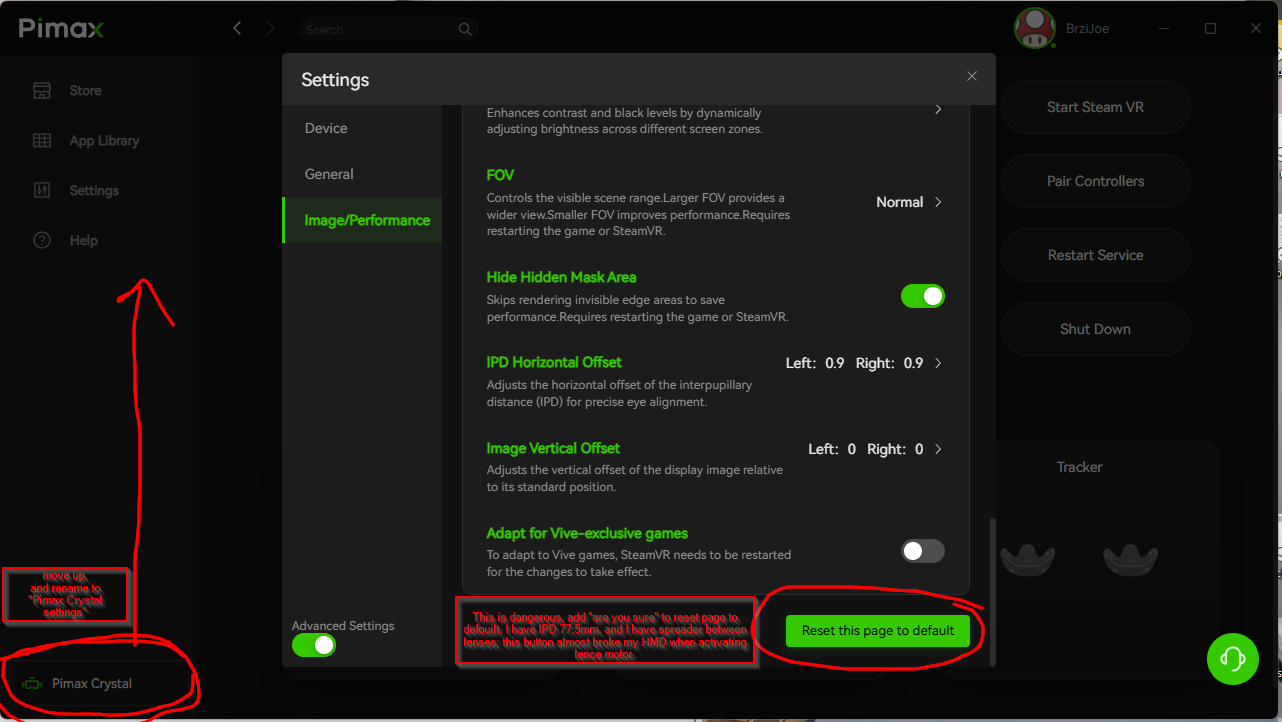
“Reset to default” is too big, and in the way - it is to easy to click it by mistake. Also for that button we need “are you sure” prompt.
I almost broke my unit with this (I have spreader between my lences, and motor almost broke when started to “adjust” my lenses after “reset to defoult”.
Also bottom left, HMD name - that is not intuitive as button to get to HMD settings. Somebody who first time uses it can not figure it out. Add word SETTINGS there.
PS: where is button to disable auto IPD motors?
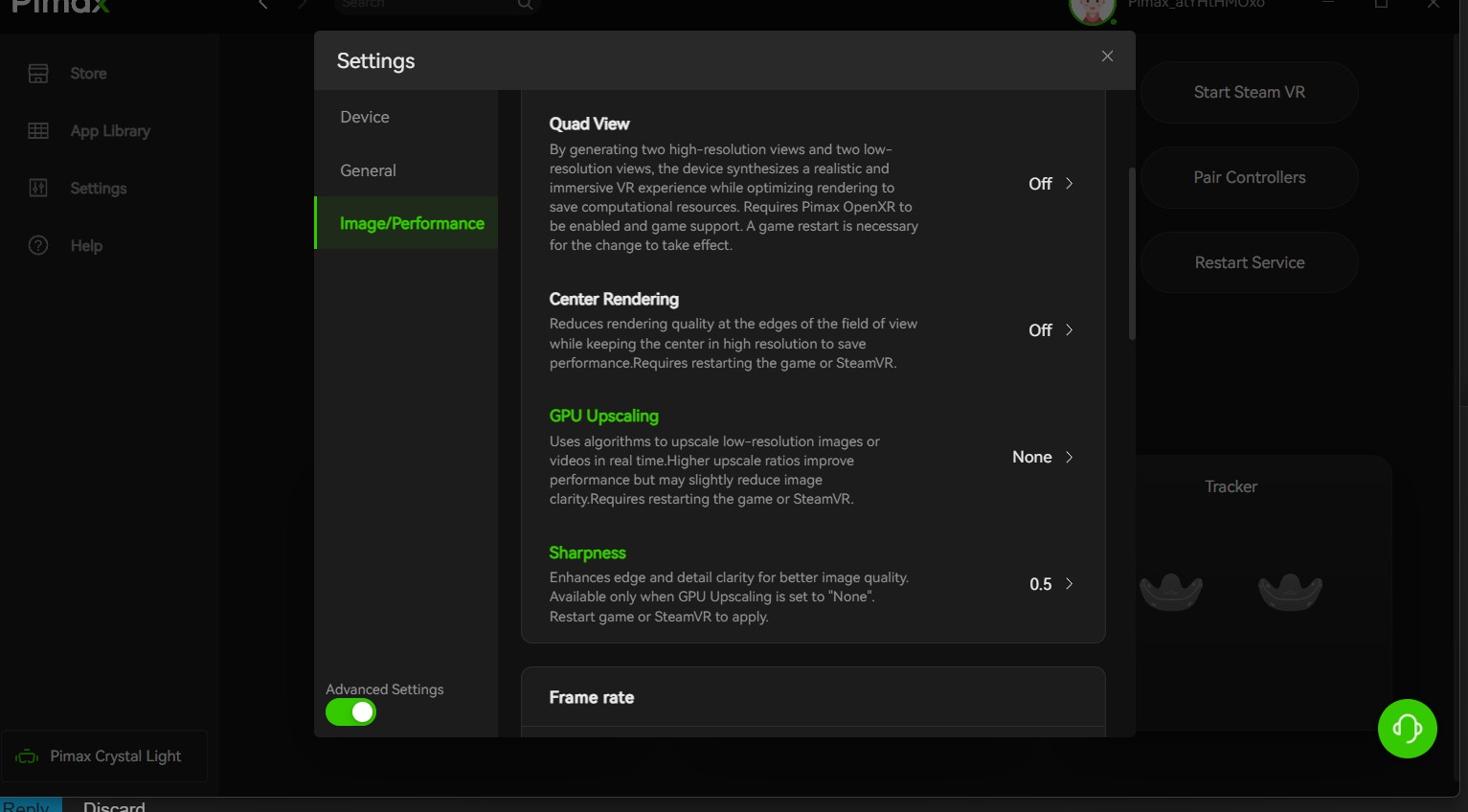
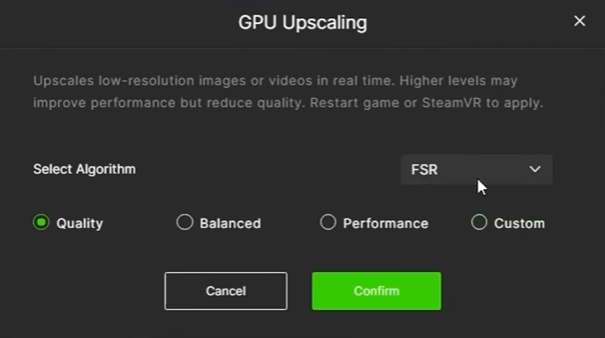
And where is sharpening when using scaling? we lost that a few months ago in all versions of pimax play.
Liking this version for my PCL. Have been using the 2.0beta since first released so most features are well-known. Glad for the diagnostic button as it detected security scan had not been setup in Windows Defender. Image seems to be clearer and more stable such that fine-tuning with OpenXRTK no longer required. (Still using OXRTK for on-screen display of key data that I use to gauge FS2024 updates in VR. If this function was in PPlay then I think I could dispense with OXRTK completely. PCL on 5090 is providing great clarity and stability for MSFS24 World Update 22 and the TIN photogrammetry.
Hear , Hear! as the auto ipd dosn´t work, there should be a screen for near middle and far adjustment as well as the vertical (I use the empty no home on steam vr, (spider Web) but I´m sure there could be a proffi solution)
I agree with this. The moonscape at least provided a way to fine tune the IPD offset values (i used the cliffs). The latest PP or EVO are pretty useless with the galaxy center blob…
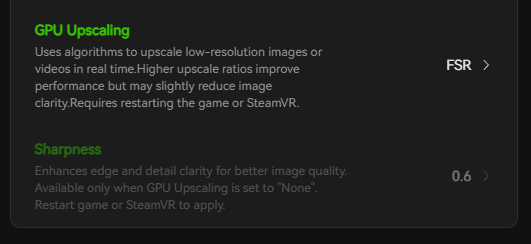
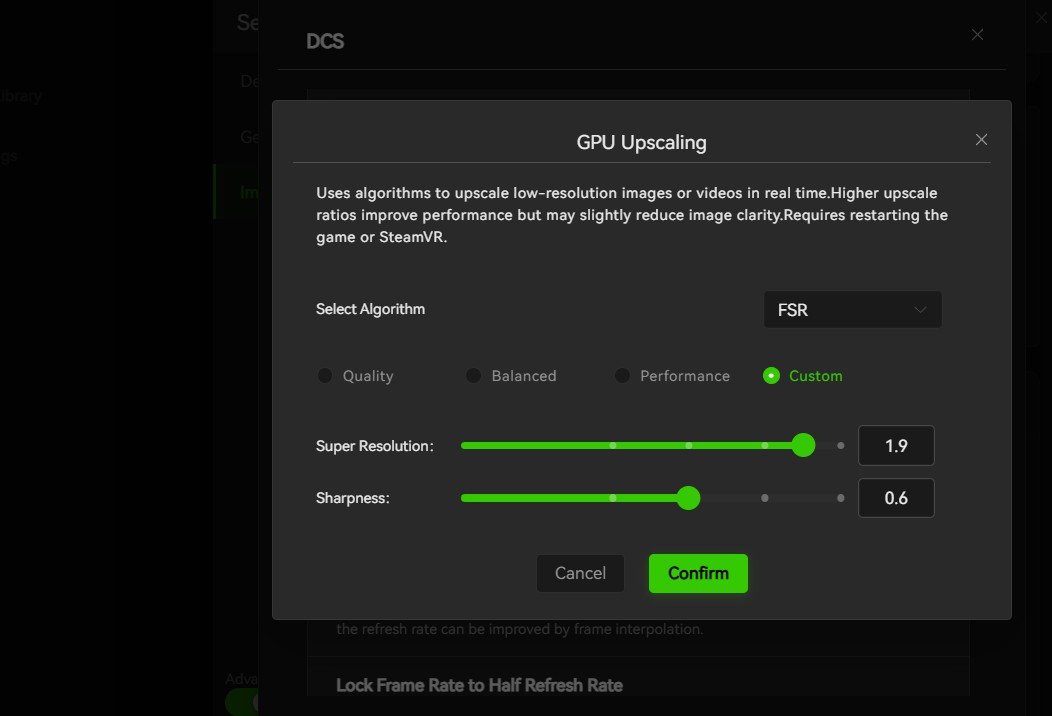
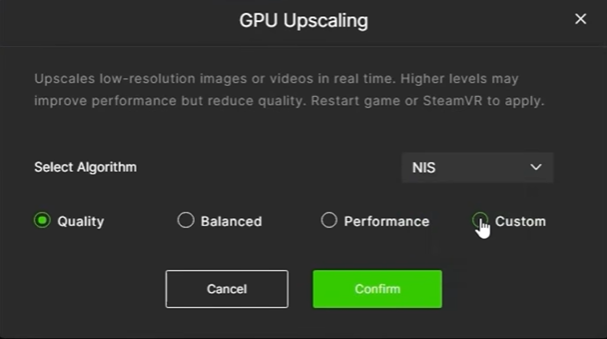
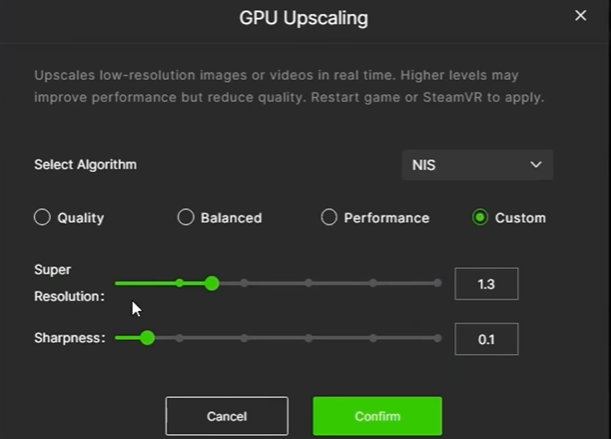
It’s supposed to be like that: “sharpness only available when scaling set to ‘none’”. However, under FSR and NIS there is a ‘sharpness’ slider, and it’s not greyed out. Also, when set to FSR or NIS and the custom setting is chosen under application configuration, the result afterwards shows as ‘balanced’ for NIS or ‘Quality’ for FSR,
regardless of the position of the sliders, whereas under the main rendering settings only NIS or FSR show regardless of slider position. I’m not sure if this is what you are driving at. Anyway, it seems to me to be terribly bugged: esentially worthless at present.
I have recently updated to 2.02 from 1.44.1 along with firmwear update to my Super. and my once smooth settings in MSFS 24 and DCS have suffered a noticeable drop in FPS with accompanying stutters.
I don’t want to downgrade my settings in game, as I’ve got the visuals just where I want them, so does anyone have any ideas how I can configure Play to restore my previous smooth experience? The update deleted all my assets and I had to configure then all again, and I think I have managed to mirror the settings I had prior to the update in the new UI.
I’m still not happy with the QV implementation. I still find the QV Foveated and Tallymouse Companion more comprehensive and intuitive for getting results I can appreciate. Maybe those are proprietary? If they are, then why not request to clone them into PP so that set-up is one stop? Similarly, any PP QV should not conflict with OXRTK so that one can have the heads-up FPS and GPU/CPU latency stats as is otherwise possible using those external QV apps, or implement something similar.
Noted. I’ll forward your suggestion to our development team for consideration.
As for sharpening, you can find the setting under the Image/Performance tab in Pimax Play. If you don’t see it, simply enable Advanced Settings, and the option will appear.
I’m afraid that if you selected Clean Installation during the installation, your previous settings would have been reset, so you’ll need to configure them again.
If Pimax Play v2.0.2 isn’t providing a good experience, I’d recommend rolling back to v1.44.1 or v1.44.2 for now.