All those posts have been removed, and the users have been banned based on their IP addresses.
If eye tracking is enabled, it will be active in Pimax Home—just disable it.
What do you mean it no longer works with OXRTK? Does the game fail to launch?
It’s always available as long as you’re using an NVIDIA GPU.
Thanks, I’ll disable that.
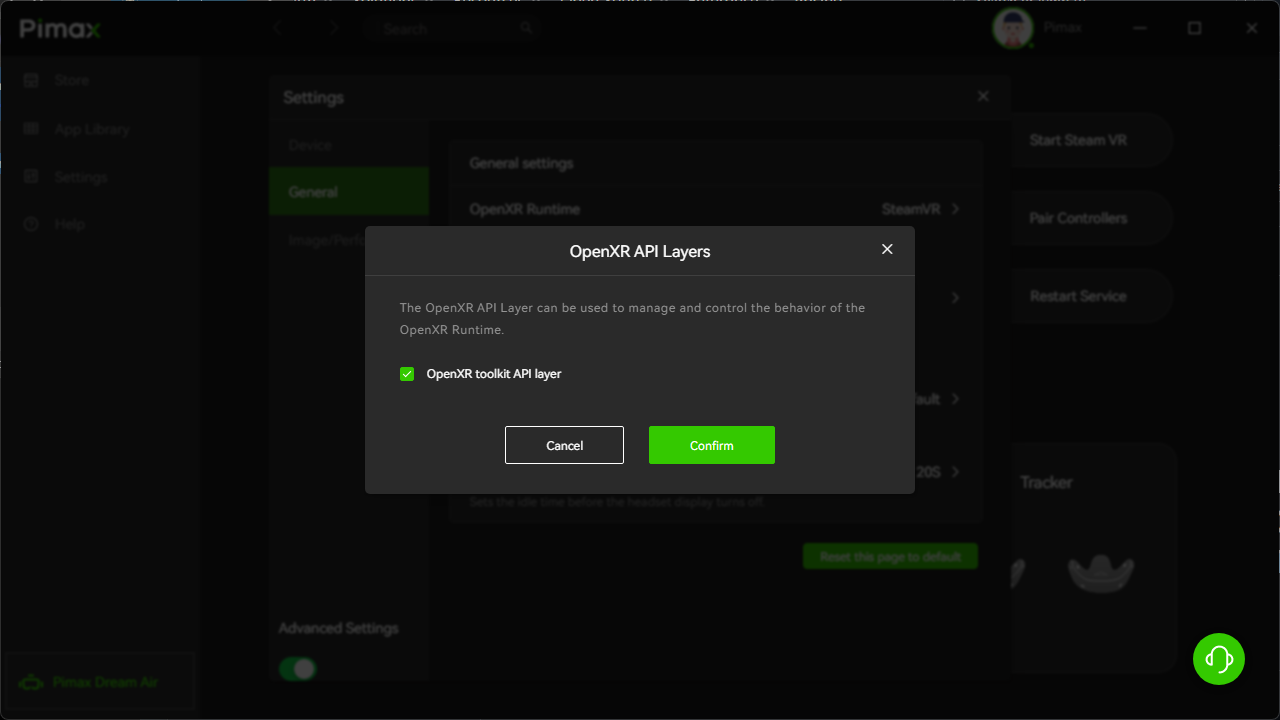
On Assetto Corsa, it causes a crash when the image arrives from the game; there must be a conflict. When I disable OpenXrToolkit, it works.
Is the OpenXR API Layers enabled in SteamVR?
Or you could try to reinstall the OXRTK.
Steam VR and UEVR is not working with the beta Version 2.0.0.7 with my Super 50 and the Crystal light if I roll back to 1.43.7 everything works.
But in the beta, it was missing for 8K headsets.
I’m quoting you from the other thread - “Smart Smoothing? It will be implemented soon. If you want to use it, please make sure you’re on the stable release - 1.43.7”
Is this fixed in the open beta now?
Yes, it’s enabled on Steam VR. This Assetto Corsa Evo, launches, but there’s no OXRTK in-game.
So I reverted to Pimax Play 1.43, and everything works again without me having to do anything.
Glad to have received the update this morning. Thanks. Hoping the developers add insight into the various Quadview settings so that each is revealed and fine tuning can be made to each one to such as ‘Vertical Offset’ and saved under ‘Customization’: and, some of the other useful suggestions made during the Closed Beta.
I would also like to see the automatic IPD adjustment again; it would give it a practical and high-quality feel compared to other VR headsets on the market.
What kind of problem are you experiencing? Did the .exe just crash (CTD)?
In the meantime, you can refer to these screenshots for the QV preset parameter settings.
1 Like
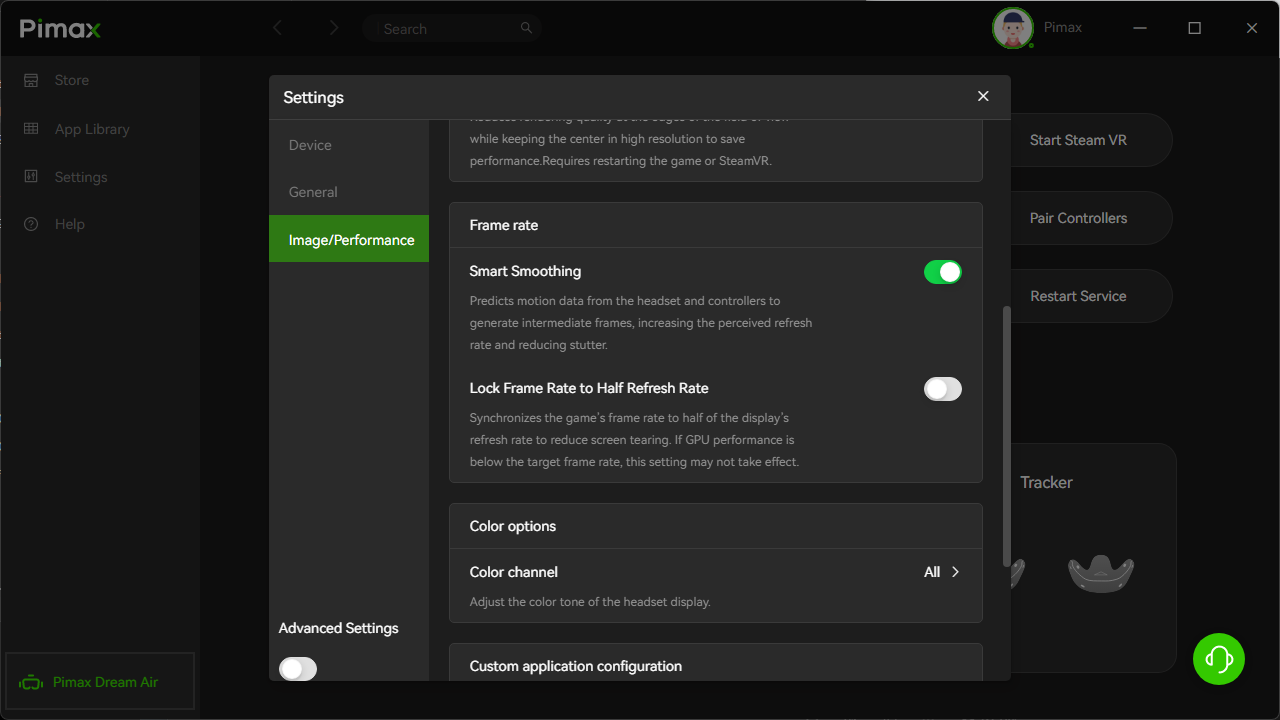
From what I remember, yes, I will reinstall the beta and confirm
Okay. Please keep me posted.
1 Like
Thank you. I must say it’s a little bewildering if 0.40 gaze area resolution (‘Ultimate’) in PP 2.0 equals 150% on Ultra in PP 1.xx. I’d been using Ultimate in the 2.0 Beta. Just for fun I cranked the PP2.0 gaze area to 1.0 customization in the public release but could not detect if that put any unstable load on the image generation (PCL/RTX5090): it still ran as smooth as before.
The main problem are games that I’m playing now a black screen UEVR doesn’t inject and the game closes back to the desktop the games are Lords of the Fallen (2023) and Wuchang fallen feathers. The stream problem is fixed with the beta I reboot my computer and reconnecting the headset Steam works fine now.
Windows 11 build 26200.8117
128 GB of Ram
Asus wifi X670E
Asus Astral 5090
Home enviroment keeps defaulting to new home and dont stay in off.
When passthrough is on and i summont pimax menu the picture gets so much better because its darker, adjust it darker with out pimaxx menu in or give us passthrough brigness slider. narrow and wide fov only give us letterbox too like racing helmet or option to customize it? hand tracking any news
environment calibration is it supposto remember it or everytime i use pimax i have to do it again. that thing worked 10years ago with oculus and hp reverb?
great performance in app, but resolution and hz is way harder to adjust than before 2.0. local dimming is the second highest slider value -40 in the old app so its the darkest without blooming.
pimax crystal light
2 Likes