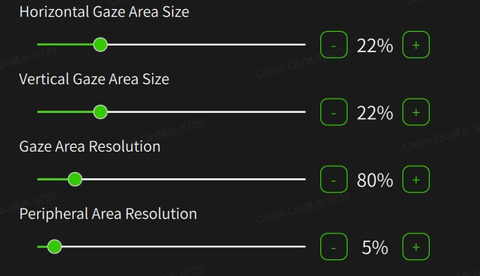
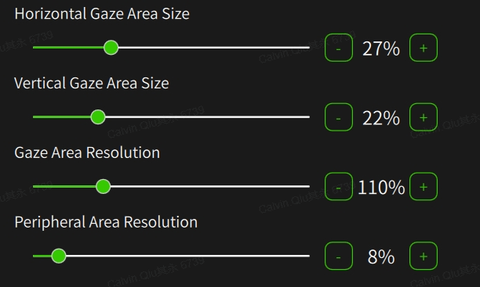
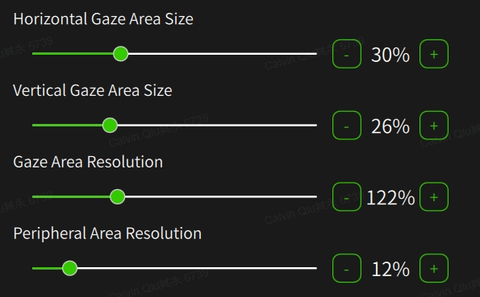
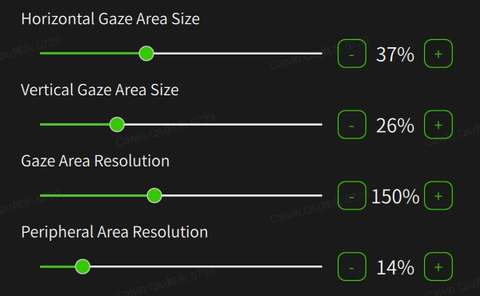
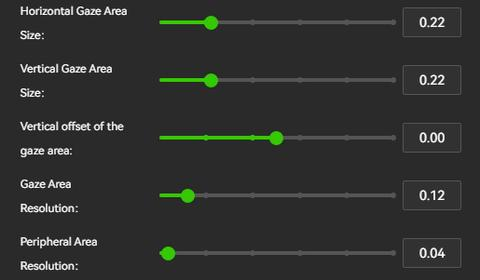
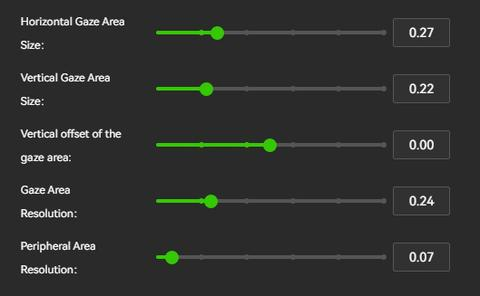
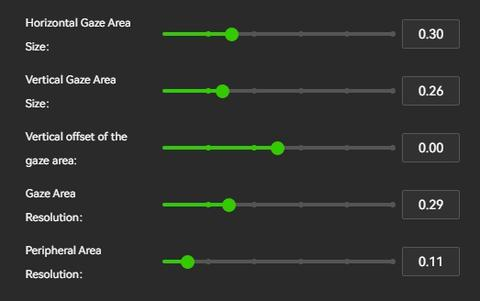
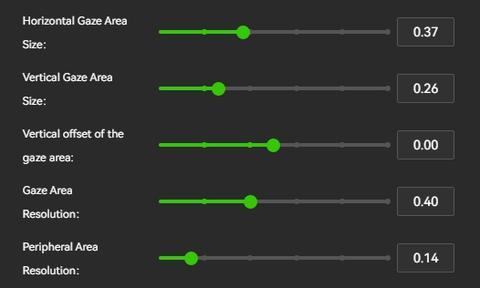
Pimax Quad Views have been available for quite some time, but we’ve seen users asking how the four preset levels translate into actual percentages and numeric values.
Why the change to illogical factors for Gaze res in 2.0? Comparing ultra for instance it seems 0.4 in play 2.0 equates to 150% resolution in play 1.X? To whom did that make sense? Is the idea that 0.0 equals 100% and 0.4 would actually be 1.4x so 140% res? If so it could do with some tooltips to explain.
Also I find in general the defaults have too low peripheral res that makes the foveation visible. Given most users will probably use presets it may be worthwhile doing some more testing on these as I think the peripheral res is a little overly aggressive.
The recent changes to the edge transition have massively improved the experience, that was a big improvement so well done on that one!
Still missing the transition setting that mbucchia Quadviews has.
This value helps with the edge between areas, because you haven’t implemented this, there is noticeable shimmering on the peripheral , especially with text