Pimax Play 1.44.1

Pimax Play 1.44.1

Download link: https://dlappstore.pimax.com/release/play/PimaxPlaySetup_Release_ToC_V1.44.1.281_202605131925.exe

Release Notes:

I. New Features and Improvements:

  • Added floating window rendering scale settings, allowing users to manually adjust system panel resolution for enhanced visual clarity and smoother performance.

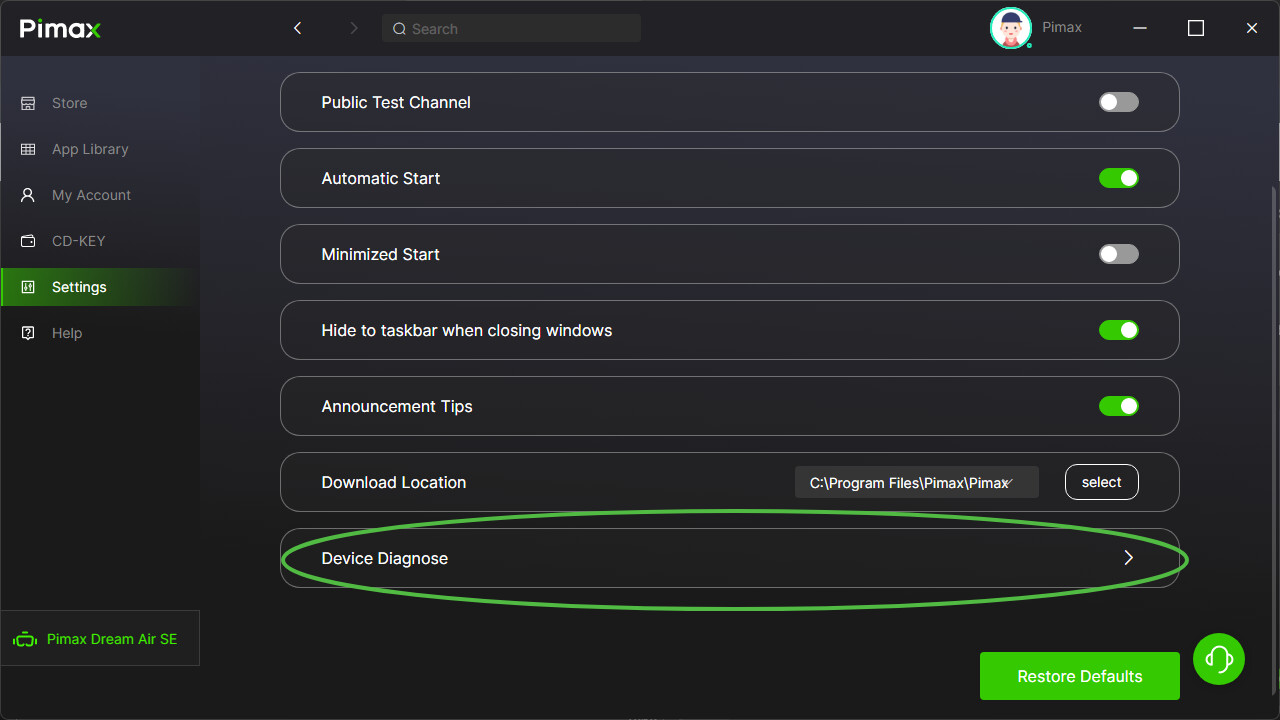
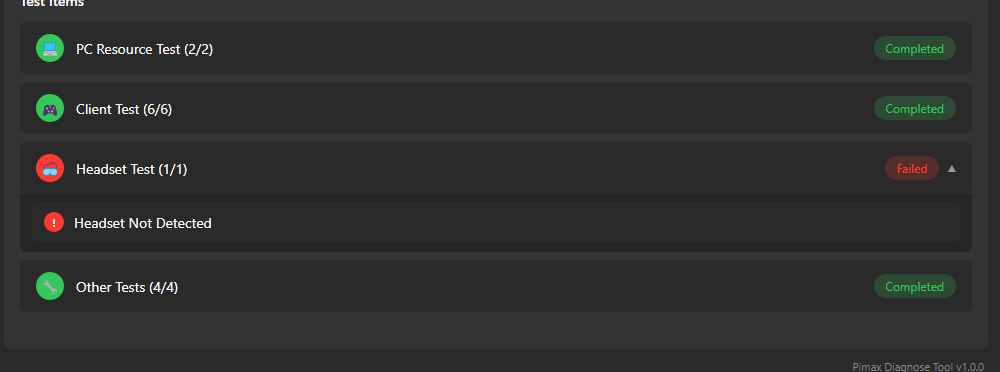
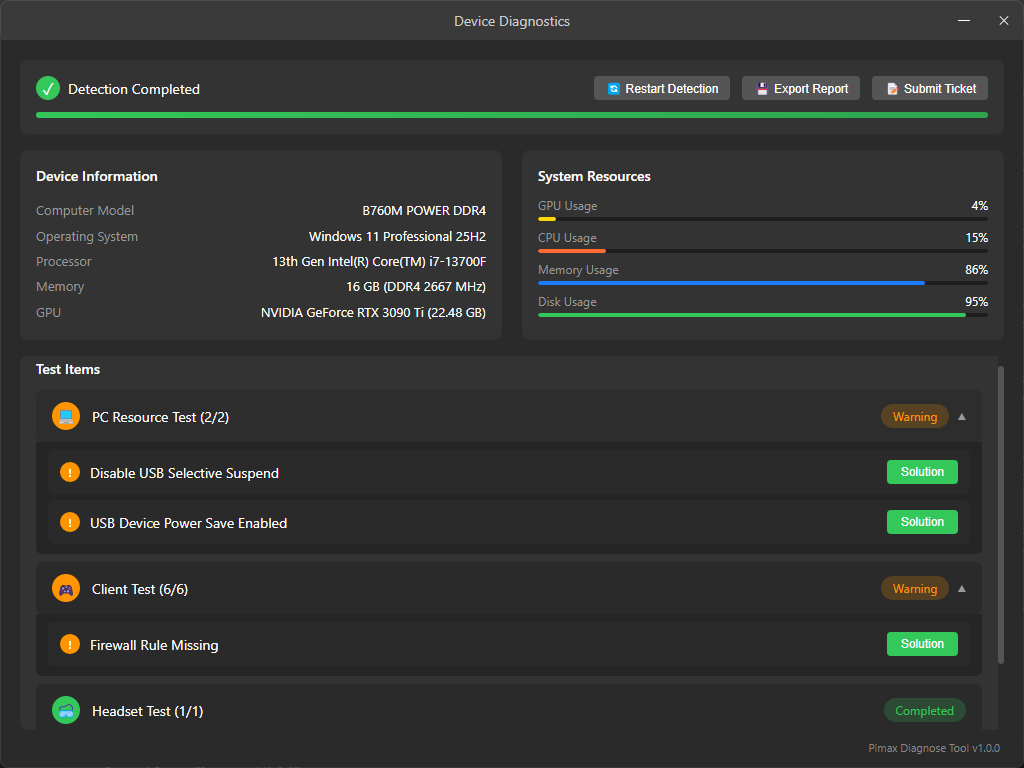
  • Added a device diagnostic feature that automatically detects headset status and provides corresponding solutions, simplifying the troubleshooting and resolution of common issues.

  • Optimized the stability of SLAM relocalization.

  • Optimized controller tracking stability during scenario transitions.

II. Fixed Issues:

  • Fixed log file export failures under certain conditions.

  • Fixed compatibility issues between Pimax OpenXR and the third-party application OpenComposite.

  • Fixed connection failures on Crystal Super Micro-OLED when running in 90Hz mode.

  • Fixed an abnormal wake-up issue on Dream Air.

III. Firmware Updates

Dream Air Firmware V1.0.2:

  • Fixed an occasional display artifact issue after waking from screen-off mode.

Dream Air SE Firmware V1.0.2:

  • Fixed an occasional display artifact issue after waking from screen-off mode.

Crystal Super Firmware V1.0.15:

  • Fixed several known issues.

IV. Rollout Plan:

  • This version will be gradually rolled out to all users over the next two weeks.
1 Like

What’s the difference between this version and 2.0? Which should i download for Dream Air?

You should download this version to receive the firmware update.

The revised Beta 2.0 is expected to be released in early June.

1 Like

"Crystal Super Firmware V1.0.15:

Fixed several known issues."

What are the known issues that were fixed?

1 Like

“Fixed compatibility issues between Pimax OpenXR and the third-party application OpenComposite.”

Does this mean I can finally play Pistol Whip using Pimax OpenXR instead of Steam XR? I know when I run it through Pimax OpenXR, the graphics are weird, not sharp and just not correct (and I can tell right away when i load up). So, I had to run through SteamVR every single time just to play this game.

FYI, this update lowered my Star Citizen performance. Rolled back to 1.43

I did the software update and the firmware update. Now the headset continuously connects then disconnects. I never had those issues before. Just uninstalled and going to try to reinstall fresh before going back to last version. BTW where are those links for the older software?

1st update: Fully uninstalled everything and installed 1.44.1 again and it keeps disconnecting. I found the last version exe in my downloads so I am going to try that. I am worried its the firmware update and not the software, I guess we shall see.

Update 2: I am extremely sad to say that I cannot use my micro OLED after this update/firmware.

Update 3: I was able to jump into it while it was on and there was all this weird flickering as if I was having display port issues (whatever was done in the update is gonna mess with people that didn’t have issues) I was able to put my 50ppd back in and its working fine but the mOLED is done for unless I can drop it back a firmware.

Update 4: Made a ticket #130837

1 Like

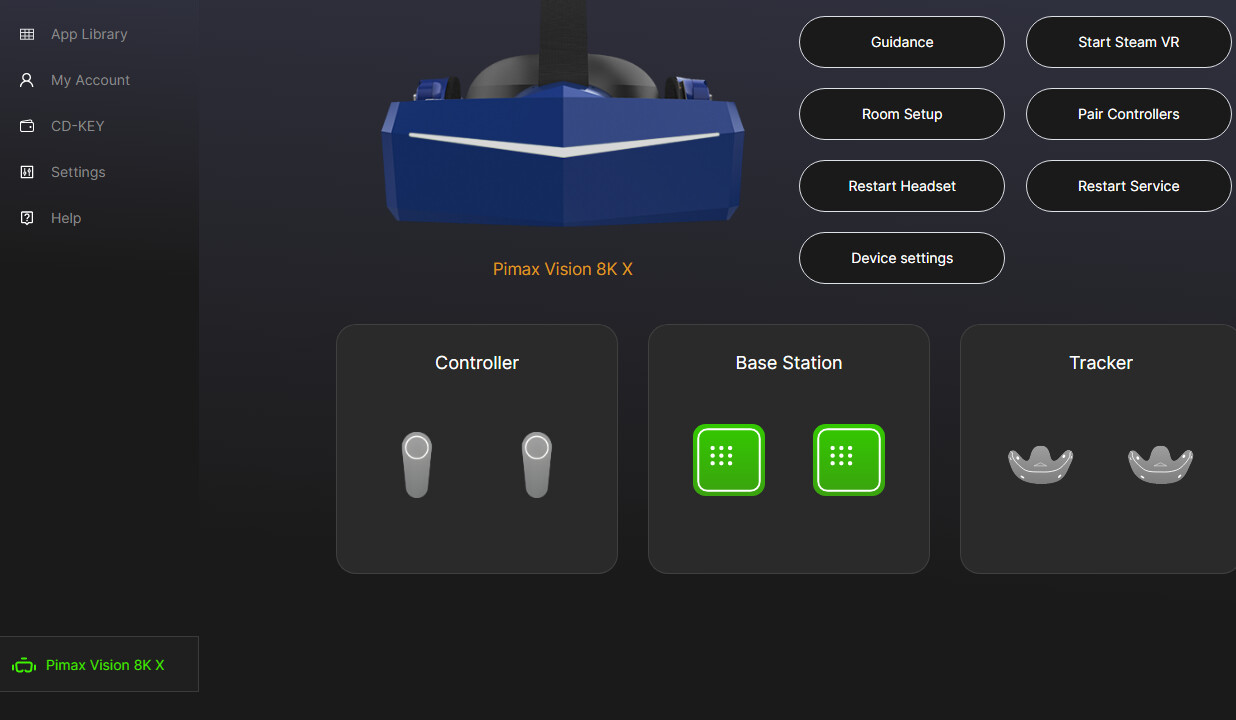
The diagnostic doesnt detect my 8KX, while the Client shows it as ok

1 Like

This version killer fps. On Msfs 2024 my fps 16. The same airport pimax play 1.43 fps 31.

that kinda sounds like your settings changed, like fps or your sharpening or graphics level

The update broke smart smoothing for me (tried on multiple games, including MSFS 2024).

(Crystal mOLED Super)

Also, as others reported, it broke 90Hz mode on the mOLED super. The screen turns on briefly send disconnects and goes to black screen.

what pimax play version are the smart smoothing working on ?

What about Dream Air? Any issue with this update/firmware?

It was working OK with the previous version, 1.43.9 (with some artefacts but manageable).

1 Like

Update: going back to 1.43.9 fixes smart smoothing. However it doesn’t fix 90Hz mode.

So:

  • smart smoothing issue is likely software related.
  • 90 Hz mode not working is likely firmware related.

No. The same settings msfs 2024 and pimax play. New app Pimax Play MOLED I can’t play. I’m back to previous version and play game perfectly.

Noted. Let me forward these issues to the devs:

  • Super micro-OLED is unable to connect properly at 90Hz after the firmware update.
  • Smart Smoothing is not working.
  • Overall performance is lower in MSFS and Star Citizen.

I just want to add that my smart smoothing also stopped working with 1.44.1 and I went back to 1.43.9 and smart smoothing is usable again.

OpenComposite - PimaxXR Runtime (lock to half framerate) - PimaxXR Toolkit - PimaxPlay (scale 1.0,smart smoothing, lock to half framerate) - Pimax Crystal Super mOLED= Elite Dangerous in very good resolution per eye with 72 hz working smart smoothing. Ryzen 7 5800X - RTX 4090

Feel free to reach out for more details if needed.
Thank you!