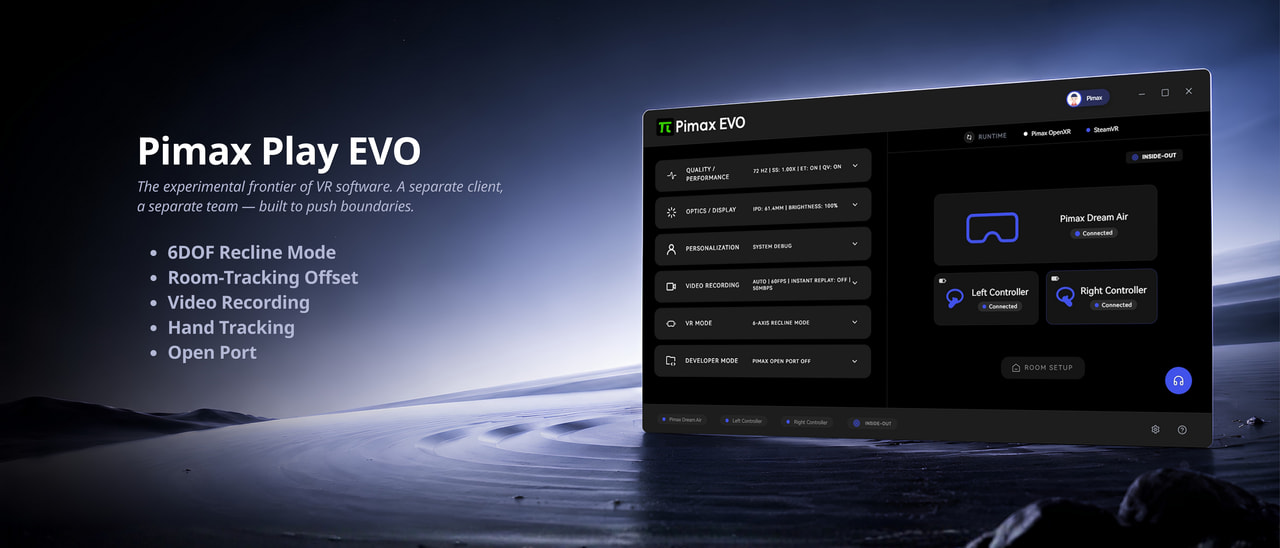
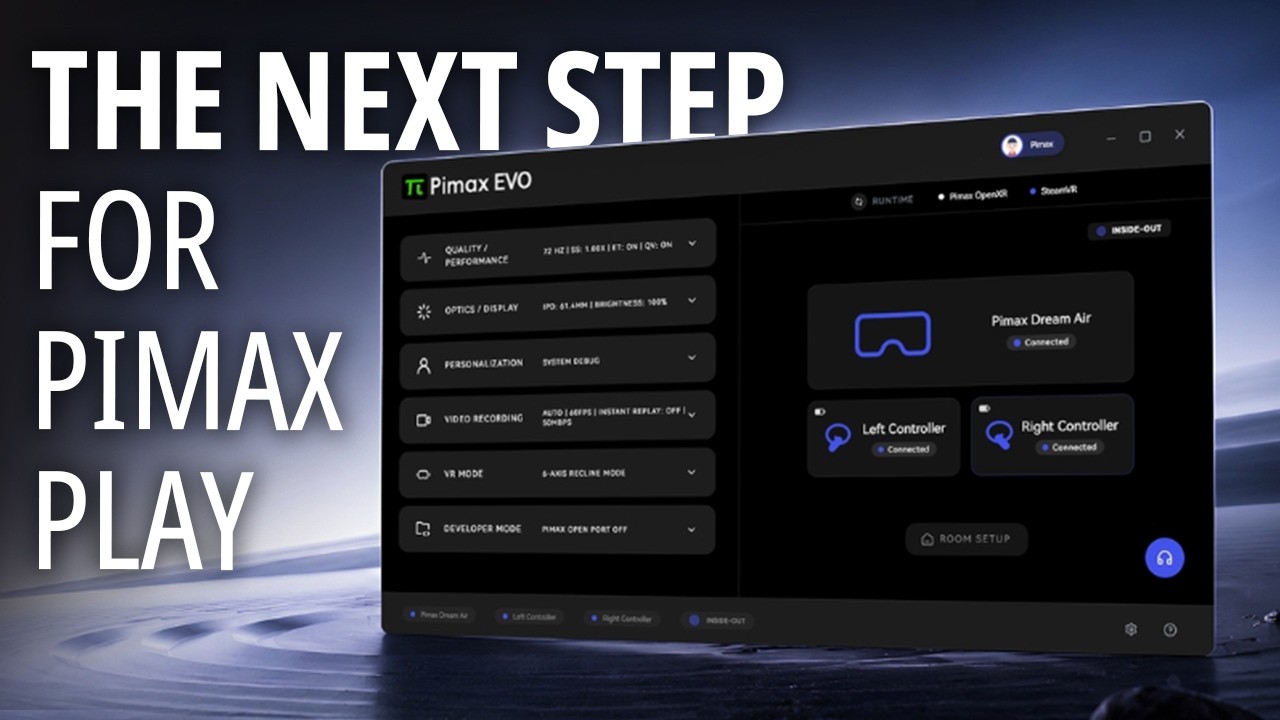
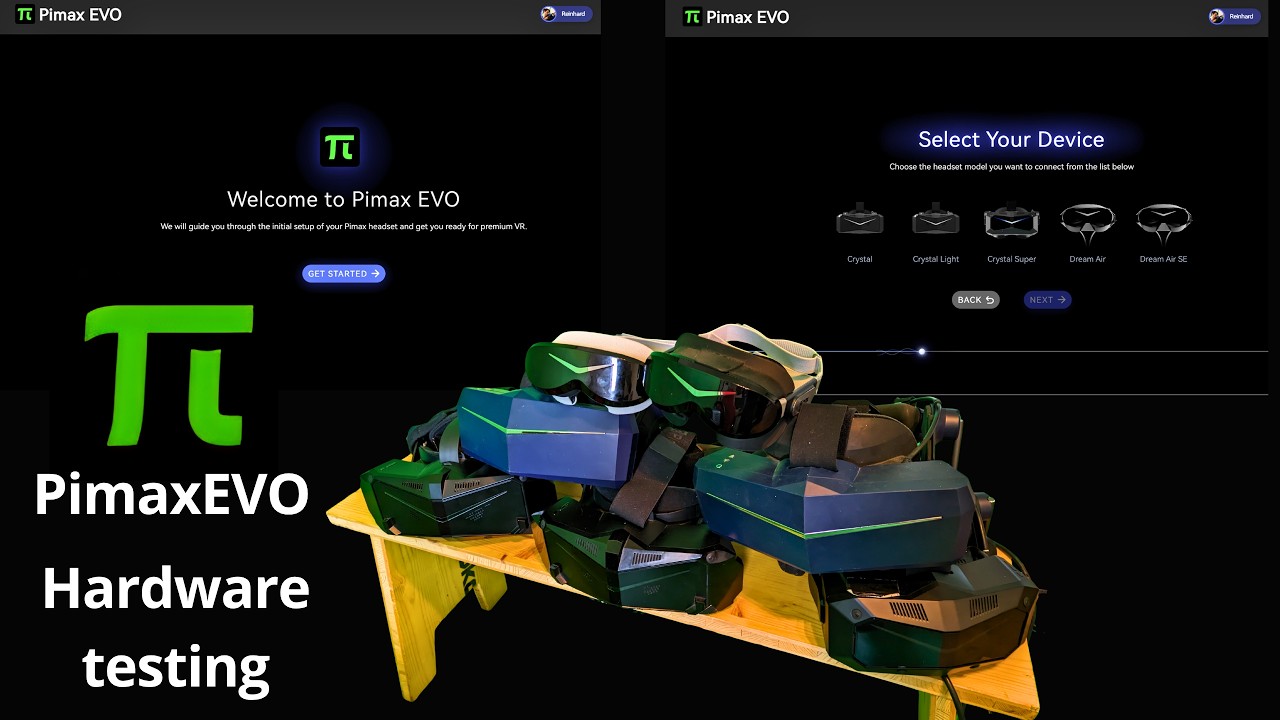
A separate client from Pimax, built to develop and test new features without affecting mainline Pimax Play. Successful features are integrated into Pimax Play.
This first release introduces five experimental features, all available from day one:
6DOF Recline Mode — Enjoy VR while lying down without your view tilting.
Room-Tracking Offset — Reposition your viewpoint freely without physically moving.
Video Recording — Capture exactly what you see in VR, including overlays and UI elements.
Hand Tracking — Navigate and interact in VR without controllers.
Open Port — Support for verified third-party plugins, starting with a native SteamVR driver developed in collaboration with Sboys3.
Sign up now for Early Access.
Questions, feedback, or feature requests? Let us know in the comments
The email and thread here says 6 months free access to all features. Does this imply you will start charging for certain features sets going forward on Pimax play?
Pimax shouldn’t charge people a dime for using this software if they’ve forked out over $2000 on one of their headsets!
I don’t understand why they can’t get customer service right. They should have made a statement like ‘look at this amazing software we’ve developed for our headsets and it’s part of our continual commitment to improving VR for all our loyal customers’!
Anyone else getting massive mouse stutter when the app is running? if PimaxEVO is running i get mouse freezes on desktop, goes away as soon as the app is closed. reboot no change, not an issue on PimaxPlay
Wait, so let me get this straight. You want us to pay to beta test features for you?
With all the issues Pimax has been having these days with DOA headsets, shipping issues, returns problems, and the like, making your customers pay to test beta software comes across as very tone-deaf.
Every other headset company I have ever dealt with has a voluntary FREE opt-in beta/experimental branch of their software. A premium headset company like yourselves charging for something like this just comes across as a blatant cash-grab, even if it’s not meant to. I HIGHLY suggest your marketing and PR groups revisit your approach and wording on the EVO software platform to make sure you dont further damage Pimax’s already shaky reputation in the VR market.
In the YT video it was mentioned that one can switch between Pimax Play and Pimax Play EVO with the click of a button. But to me it seems that the EVO installation uninstalled the stable version.
Crystal OG is not listed on the Pimax Play Evo website. Only Crystal Light, Crystal Super, Dream Air, Dream Air SE (I copy and pasted). But here it says it’s tested. It makes me think that Pimax is not paying attention to the customers of their old hardwares. Even if that was the case, it’s ill-advised to make it obvious.
goes away if you switch to pimax play classic, which changes zero hardware input, so its something within the pimaxevo variant, also happen is pimaxevo is minimised to system tray.
We want to keep the door open to introduce more experimental and possibly paid features in the future. Nothing is planned atm but think about advanced eye tracking or specific use features. Those may also introduce additional costs for Pimax, some of which we may partially pass on to users. Again, nothing planned atm, but we do want to leave that option open.
It would be nice if you can add an option to apply some kind of motion detail smoothing option to the Motion Compensation. Currently the vibrations of my Bass Transducers make the Pimax motion compensation un-usable.
Both, the OpenXR motion compensation and Steam motion compensation plugin offer this feature.
I’ve been using EVO with the Pimax Super OLED but I was wondering if features are missing that are in the regular Pimax Play or if I’m just missing them. More specifically, is there a way to disable the room boundaries? The green room boundary stays up while I’m in SteamVR. And I also don’t see where to adjust the Dynamic Foveated Rendering and Central Priority Rendering features.