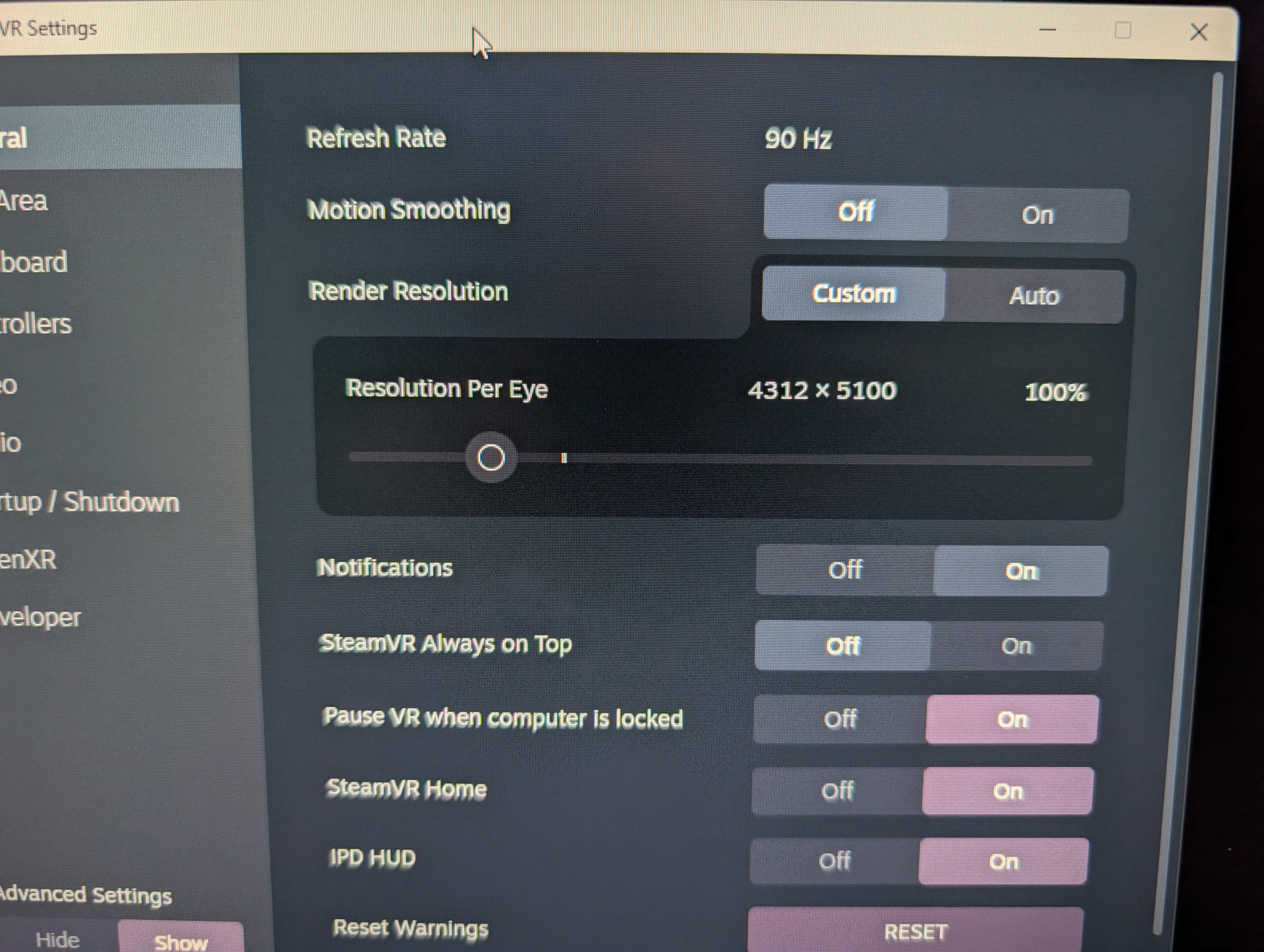
Pimax Play I set to 1.0 which is the full render resolution. This SteamVR settings screen shows SteamVR compositor report this as 4312x5100
The actual panel resolution is 2880 x 2880 on my Crystal Light, this difference is the distortion profile to accommodate the lens characteristics in the Light’s case, some large aspherical lenses
The render resolution is very hard work on the GPU I’m using RTX 5090 so depending on your GPU you may need to reduce pimax play setting
You can adjust resolution in SteamVR but it’s better to do it in Pimax Play and then any further adjustment in game (if possible)
If your game runs efficiently you may be able to increase resolution known as super resolution or super sampling this has a noticeable effect on perceived resolution but is very resource heavy
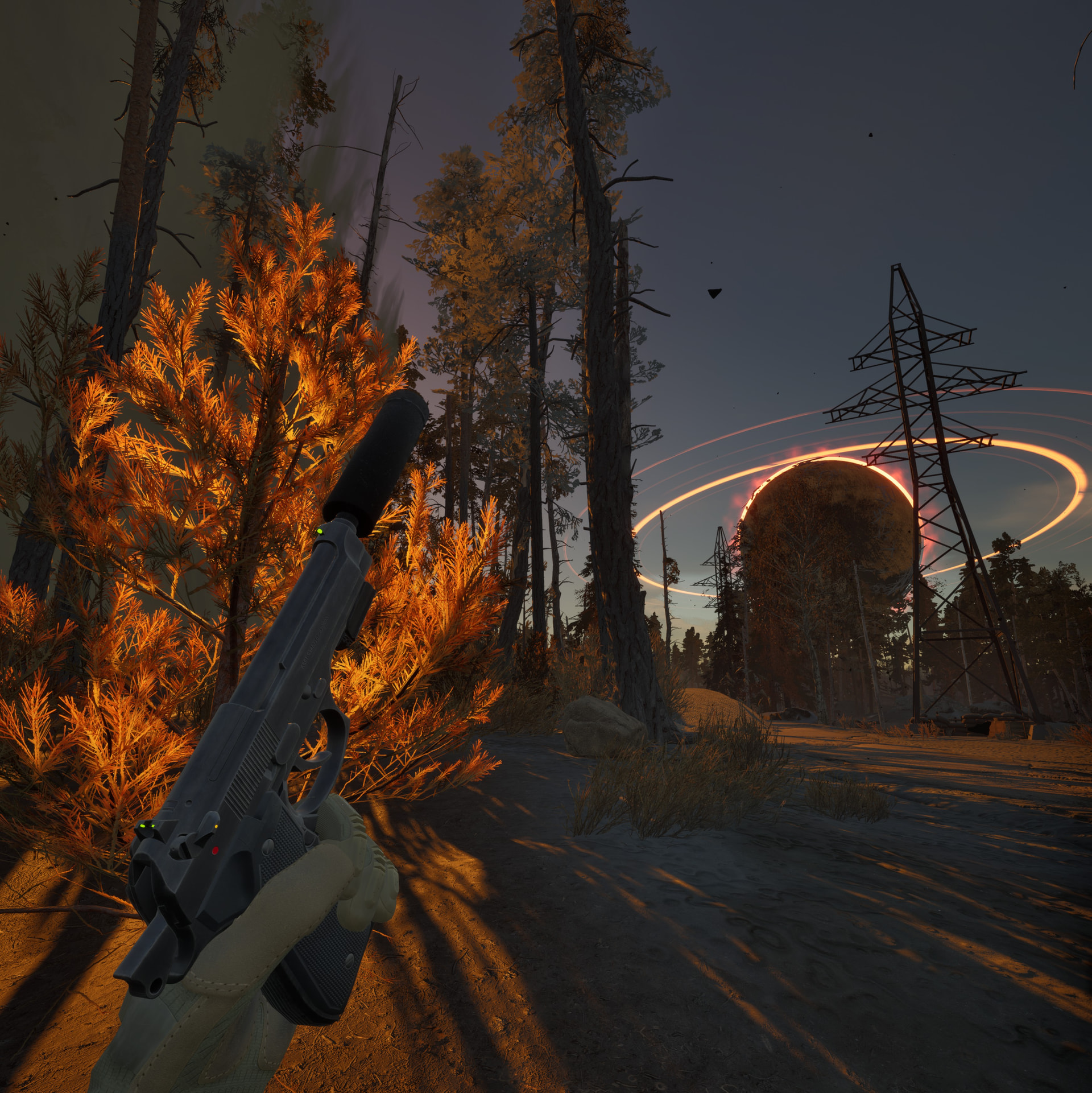
On my older Crystal original I could super sample using dynamic foveated rendering through the injector in Pimax Play, here is Into the Radius 1 with 110% resolution at 90hz
when you do mean, what of these the “chief in execution” is: it’s always the HMD which tells the other software(s) the resolution. game, steamVR, every app grabs this info from the HMD / manufacturers software. XRC explained all the possibilities very well, you can tweak and combine this quite a lot.