This topic will have headset info/setup (Videos ATM)

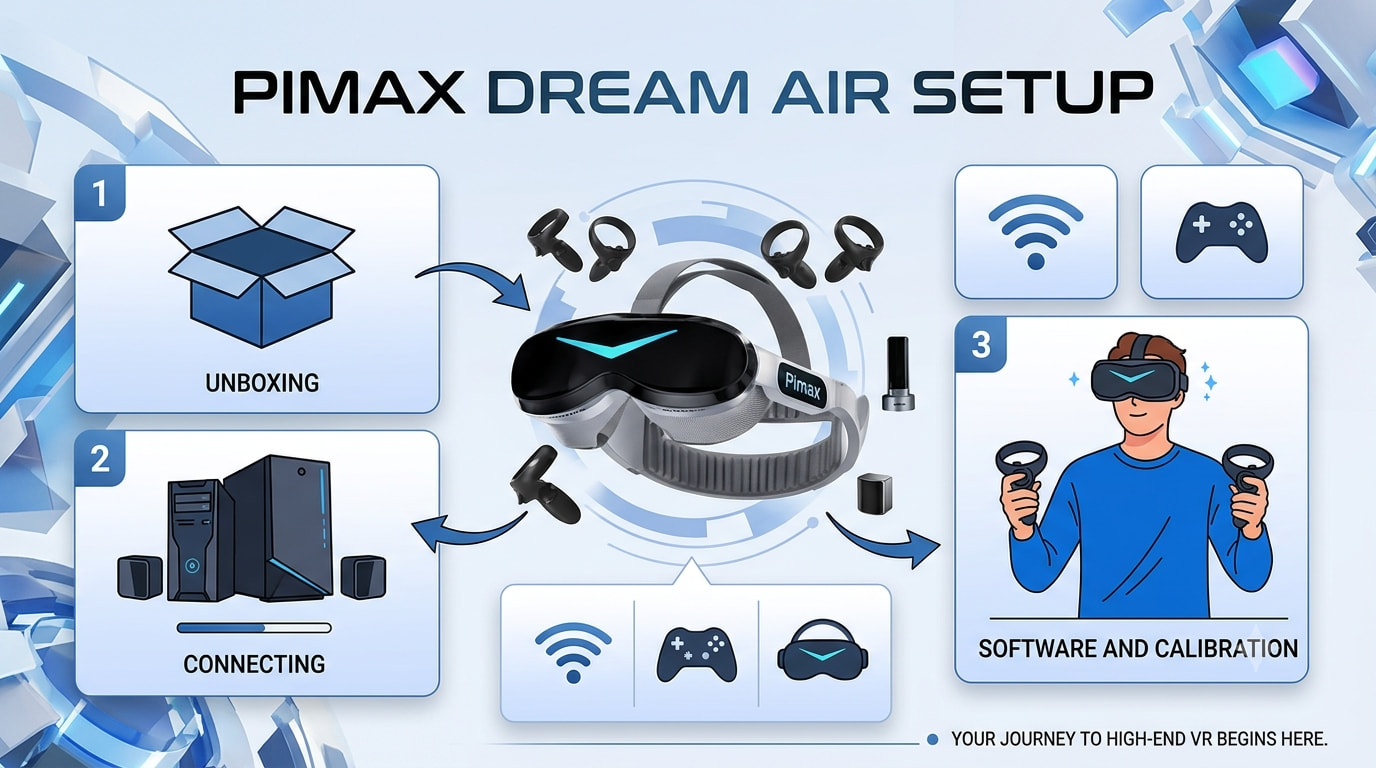

Headset Modules
Lighthouse Faceplate User Guide
The Lighthouse Faceplate is an optional add-on for select Pimax headsets (Crystal, Crystal Sim, and Crystal Light) & Crystal Super that unlocks a whole new level of tracking accuracy and stability.
Here’s how it works:
- Precise Laser Scanning: Utilizes infrared laser technology to pinpoint the location of your headset and controllers in real-time.
- Enhanced Performance: Experience smoother tracking, especially when moving around larger virtual spaces.
Compatibility and Setup:
Before you dive in, make sure you have the compatible hardware:
- Headset: Pimax Crystal, Crystal Sim, Crystal Light & Crystal Super. Verify your headset is compatible with the Lighthouse FP model before ordering.
- Base Stations (Lighthouses): Required for Lighthouse tracking (2 or more recommended for optimal coverage)
- Controllers: Compatible SteamVR controllers, including the Pimax Sword controllers, Index Knuckles controllers, HTC VIVE controllers, VIVE Tracker (1.0/2.0/3.0), and Tundra Tracker.
Easy Configuration:
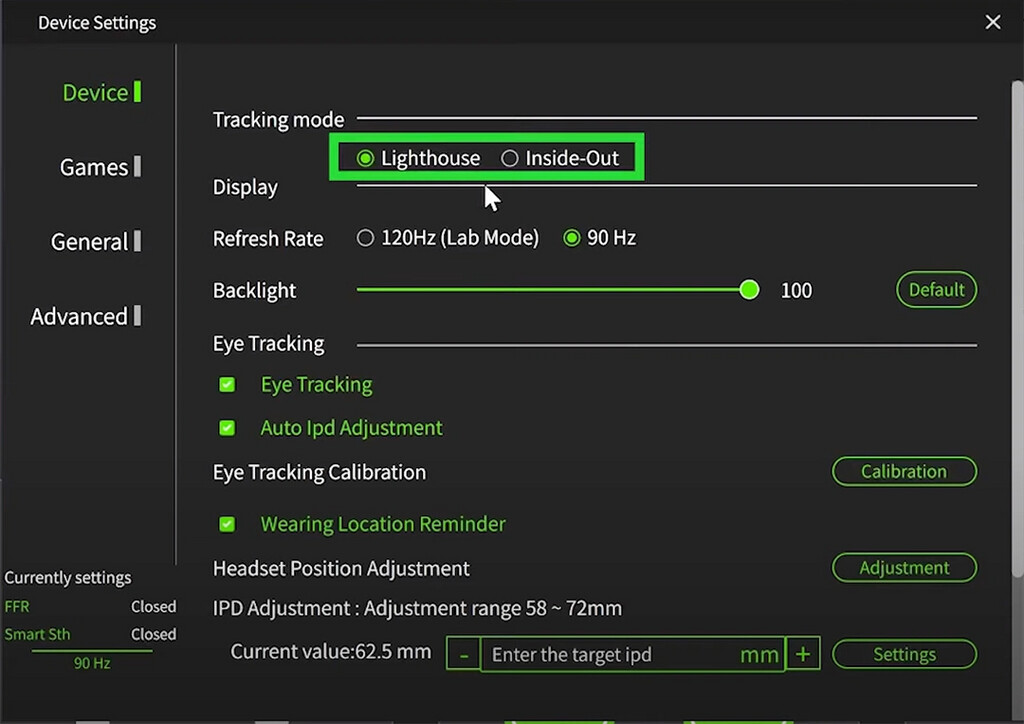
- Connect your Crystal headset to the PC and launch the Pimax Client.
- Access the device settings menu and navigate to “Device Options”.
- Under “Tracking Mode”, select “Lighthouse” as your preferred tracking method.
Important Note:
- The Crystal’s built-in “AIO” mode is not compatible with the Lighthouse Faceplate.
Pimax Play Tips & Features
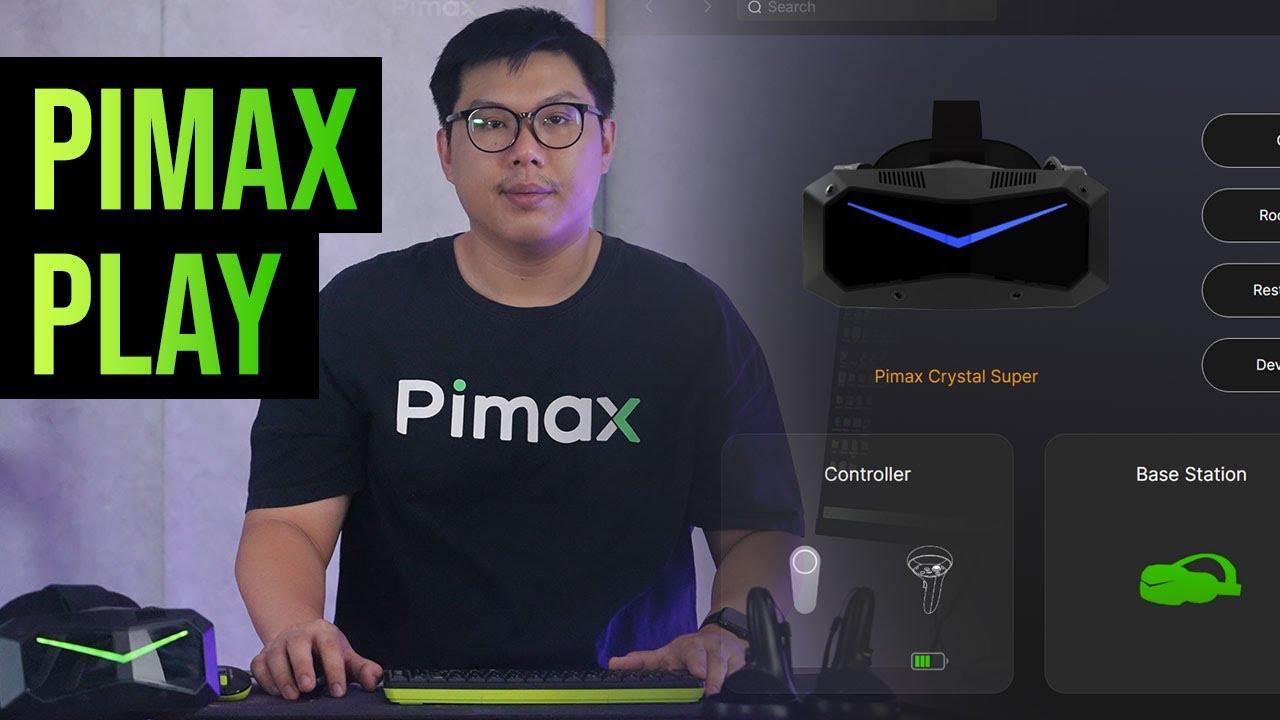
Pimax Play Tips and Features Overview – Pimax Store.pdf (1.9 MB)
Move this to part of setup?
1 Like