Getting the most out of your headset shouldn’t mean hours of searching for answers. So we’ve made a few changes.
A redesigned Support Center
We’ve redesigned the Support section of pimax.com to make it easier to find what you need. Whether you’re setting up your headset for the first time, exploring a new feature or fixing a specific issue, start here:
Pick your headset (Crystal Pro, Crystal Super, Crystal Light or Crystal) and find:
- Warranty and orders: check warranty, track a ticket, returns and shipping
- Get started: PC requirements, Pimax Play and step-by-step guides
- Game setup: game settings and tips, with links back to OpenMR
- Contact us: Pimax Play diagnostics, live chat and support tickets
Where a video guide is available, the page takes you straight to it.
A dedicated YouTube channel: Pimax Support
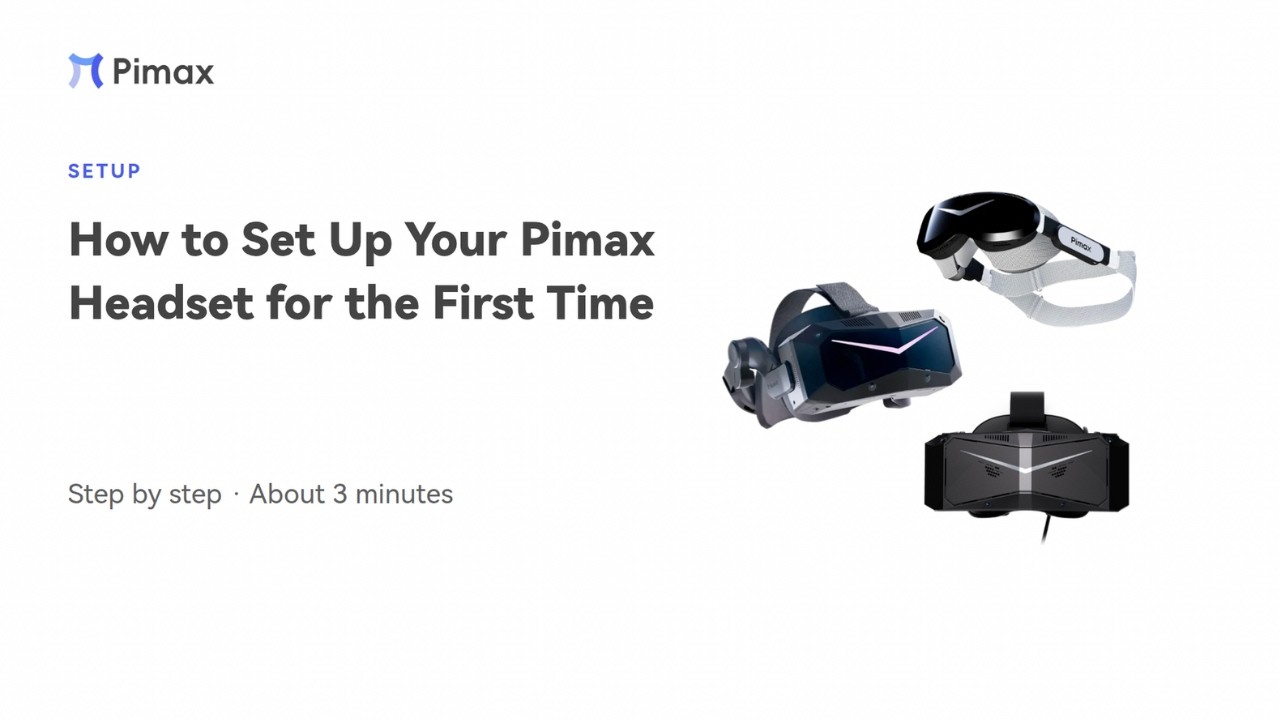
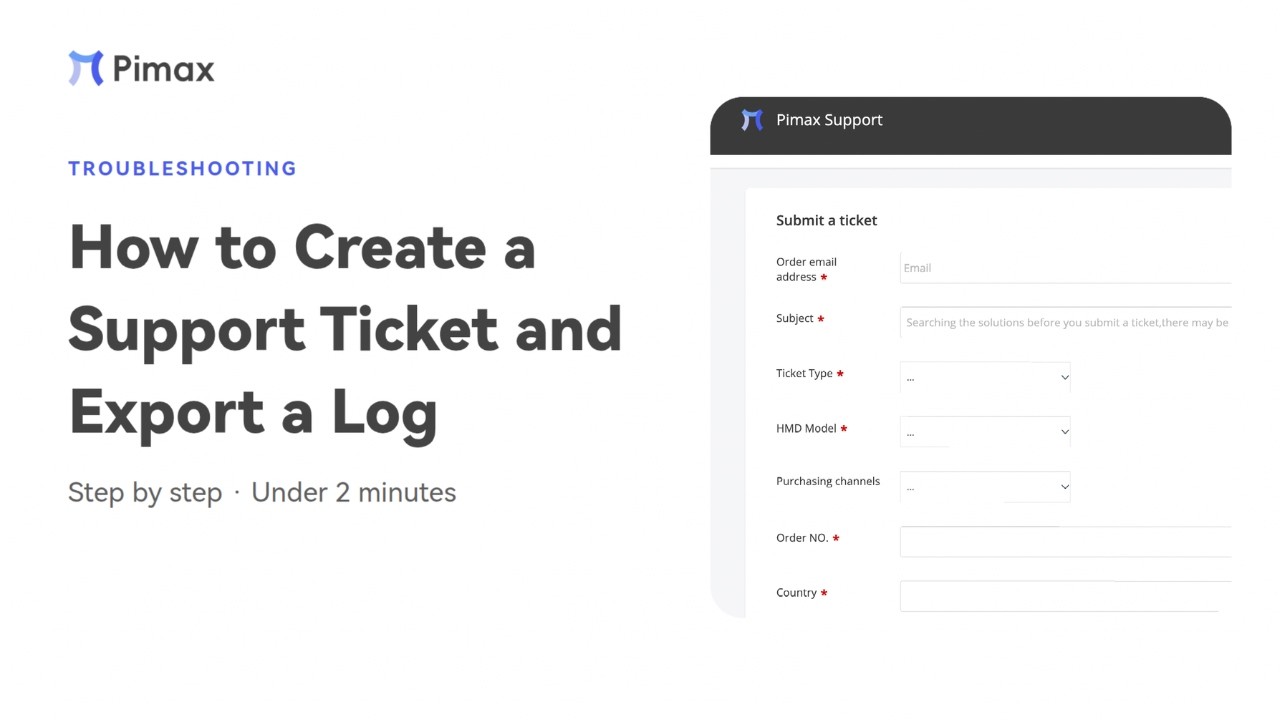
Speaking of video guides, we’ve also launched Pimax Support, our own YouTube channel for step-by-step tutorials, setup guides, troubleshooting videos and practical tips.
Two to start with:
Tell us what to cover next
Can’t find the answer you’re looking for? Let us know. Which tutorials or guides would you like to see next? Reply in this thread or ask in our Discord. Your feedback decides which guides we make next, so more Pimax users can benefit.
The idea is simple: less time searching for answers, more time enjoying VR. Subscribe to Pimax Support on YouTube, and we’ll keep the guides coming.