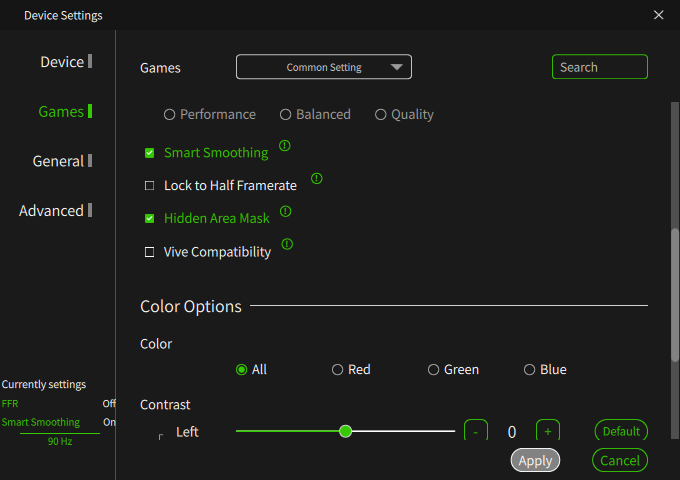
Maybe for next revision please consider fov reducing + resolution override; that is most important for racing simms, but generally applicable for “heavy” flying simms, or any game which does not run good (just reduce top 20% of fov and 20% of resolution and enjoy your game).
I can’t create a new topic so posting this here: I’ve just send over logs with the form provided for the “Logs wanted” topic. Not sure it applies to GPU/CPU spikes buuut:
When running this Version of Pimax Play 1.42.1 with Steam VR Beta 2.13.4, my system hangs with extremely high GPU load when I try to shutdown SteamVR (with Pimax Play still running). The system/os is frozen for 1-3 minutes. Starting and shutting down SteamVR more than two times in a row results in a “memory management error” bluescreen. Pimax Play 1.41.1 worked for weeks without any issues in the same scenario.
Nvidia GPU Driver 581.29 (working fine with Pimax Play 1.41.1)
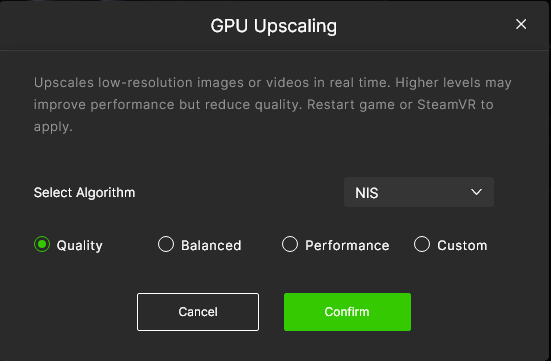
I noticed that using NIS upscaler (Quality), the image is very shaky and it is very noticeable looking at very close objects (any game, Alyx, Moss, Ghost Town ecc).
Disabling the upscaler and keeping the very same settings, the issue disappear.
Is it normal?
I still haven’t tried.
I can confirm that FSR is not affected by this issue, while NIS it is.
It is not appearing immediately, but after a while steam VR is running. It takes place in Steam VR interface and in any game, even if you just look at the hands/controllers from a close distance, you will see a lot of micro shakes.
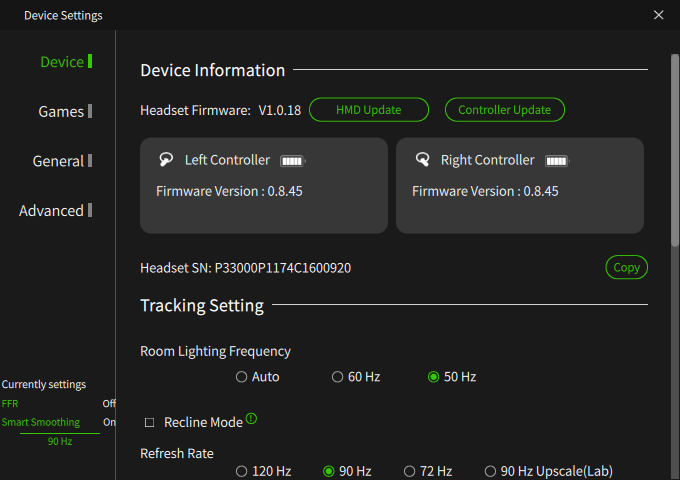
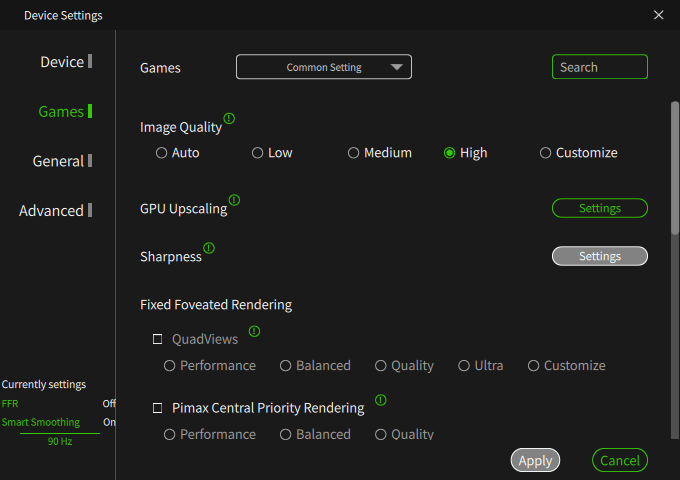
Noted. I’ll forward this to the dev team to see if they can replicate the same issue. Could you also share your Pimax Play settings with me, including screenshots if possible?
I have an issue with 1.42.1 with ACC. The default settings have Sharpening enabled at 4, and it seems any sharpening enabled causes a kaleidoscope effect in ACC. With Sharpening disabled, the issue goes away. This occurs on the Crystal Lite
I had the exact same issue with Assetto Corsa (OG). Kaleidoscope effect on textures with sharpening enabled. Disabled sharpening and it all went away, though this was on 1.41. When I tried 1.42.1, I had terrible chromatic aberration using the ultrawide optical engine. Went back to 1.41 and no CA.