I checked mail and notification settings, they were ok. I recieved notifications from this thread, I don’t know why because I didn’t ask for them. That’s why I muted this topic but it continued sending me mails for each answer.
Today it seems be fixed, your 3 last answers didn’t come with notification emails. I let you know if it continues to bug.
1 Like
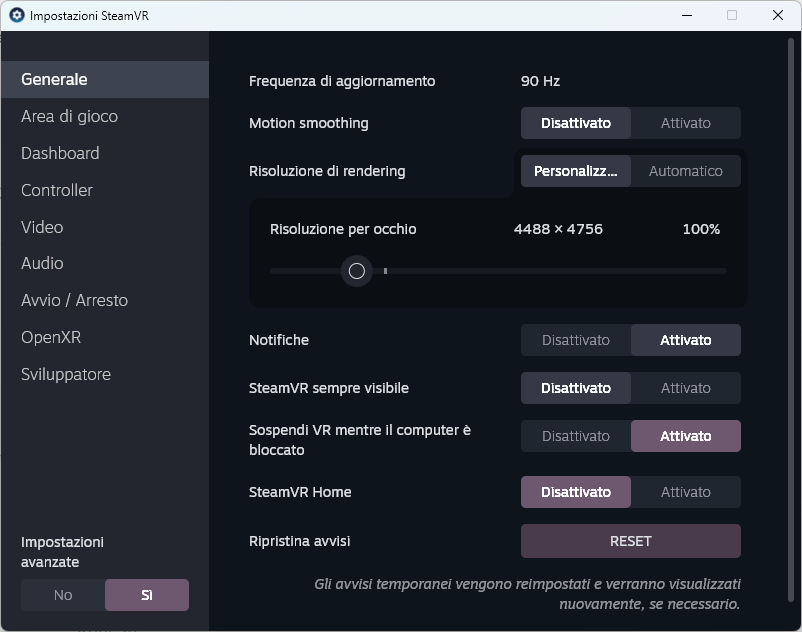
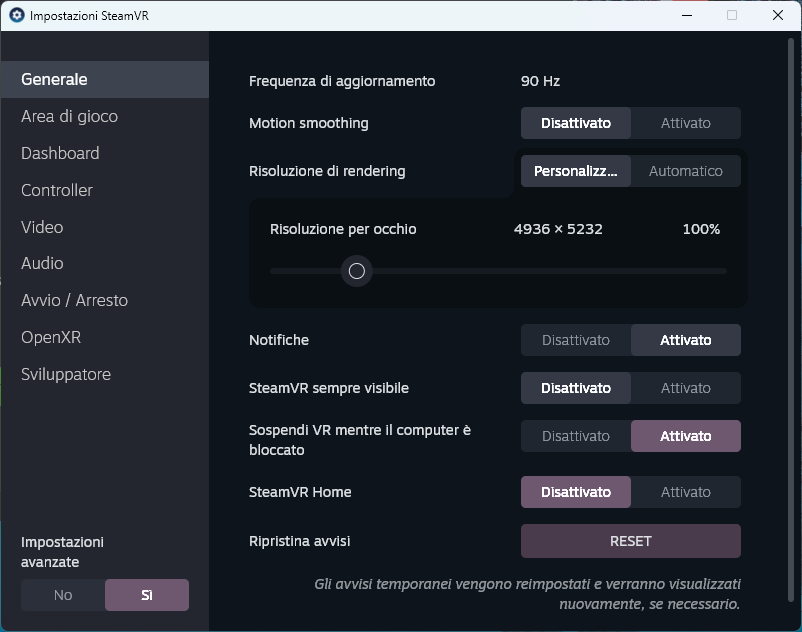
I uninstalled Steaam VR, deleted all the related folders and files, uninstalled Pimax Play and deleted all the folders and files.
Reinstalled first Pimax Play, than Steam Vr and… a new resolution value, yet still wrong!
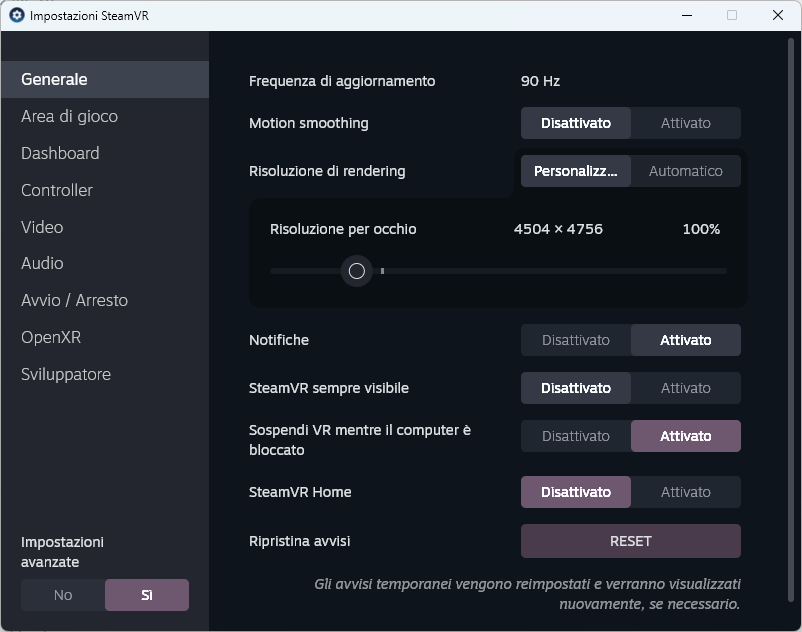
Could it be that the headset firmware update went wrong? Can I refresh it anyway?
Ok good to hear it corrected itself. There is no categories or topics set to watch. Most we have is things like the Announcement category set to “watch first Post”. But even that is overridible by the person who created the account
So definitely a bug. I would be curious if anyone else has also experienced this.
If you wish to reflash the firmware, you’ll need to submit a ticket, and our tech support team will arrange a session for you.
Found the issue when this category security setting was changed to allow replies. The Category was originally setup to watching as it was only staff posting.
It has been corrected site wide to watch only first post of a new topic.
What do you think if I try the 1.41.1 first? could it be a good idea?
Edit
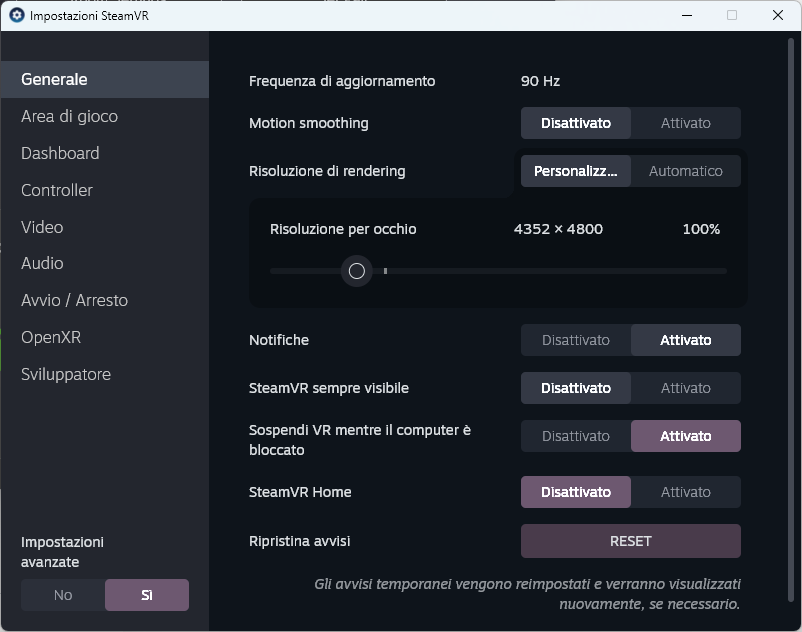
I tried Pimax Play 1.41.1 and I have another resolution, yet wrong.
This is with Image Quality High, no GPU Scaling, 90Hz and FFR disabled.
I’m opening a ticket
1 Like
Yes, please. The tech support team will use the debug tool to diagnose the render quality and resolution, ensuring both values are correct for your device.
1 Like
EDIT: MY ISSUE IS IN PPlay 1.41.1!
Hi. I finally got pimax quadviews working, but this is disaster. In DCS, in very very low settings I see slide show. Something is wrong with that pimax solution. It is strange as I see cockpit in good refresh rate, but outside of cockpit is slide show.
Also, to pimax engineers, please make that “pimax gaze resolution” slider to go over 100%. I got used in many games to have huge super sampling in gaze area, i.E. 200%.
We’ve released a hotfix that resolves the compatibility issue between the Pimax OpenXR runtime and mbucchia’s QV.
You can download it here: https://dlappstore.pimax.com/release/play/PimaxPlaySetup_Release_ToC_V1.41.2.157_202508082008.exe
As for the resolution configuration, our team is currently looking into it.
3 Likes
Thx, in this version I can disable Pimax quadviews, turn on OpenXR_Toolkit and their quadviews: that works good.
However, Pimax you still need to optimize your quadviews, something is wrong there.
Noted. The devs will work on revising the QuadViews parameters.