Pimax Play 1.41.1

Pimax Play v1.41.1

Download Link:

https://dlappstore.pimax.com/release/play/PimaxPlaySetup_Release_ToC_V1.41.1.152_202507311529.exe


Release Notes:

I. New Features and Improvements:

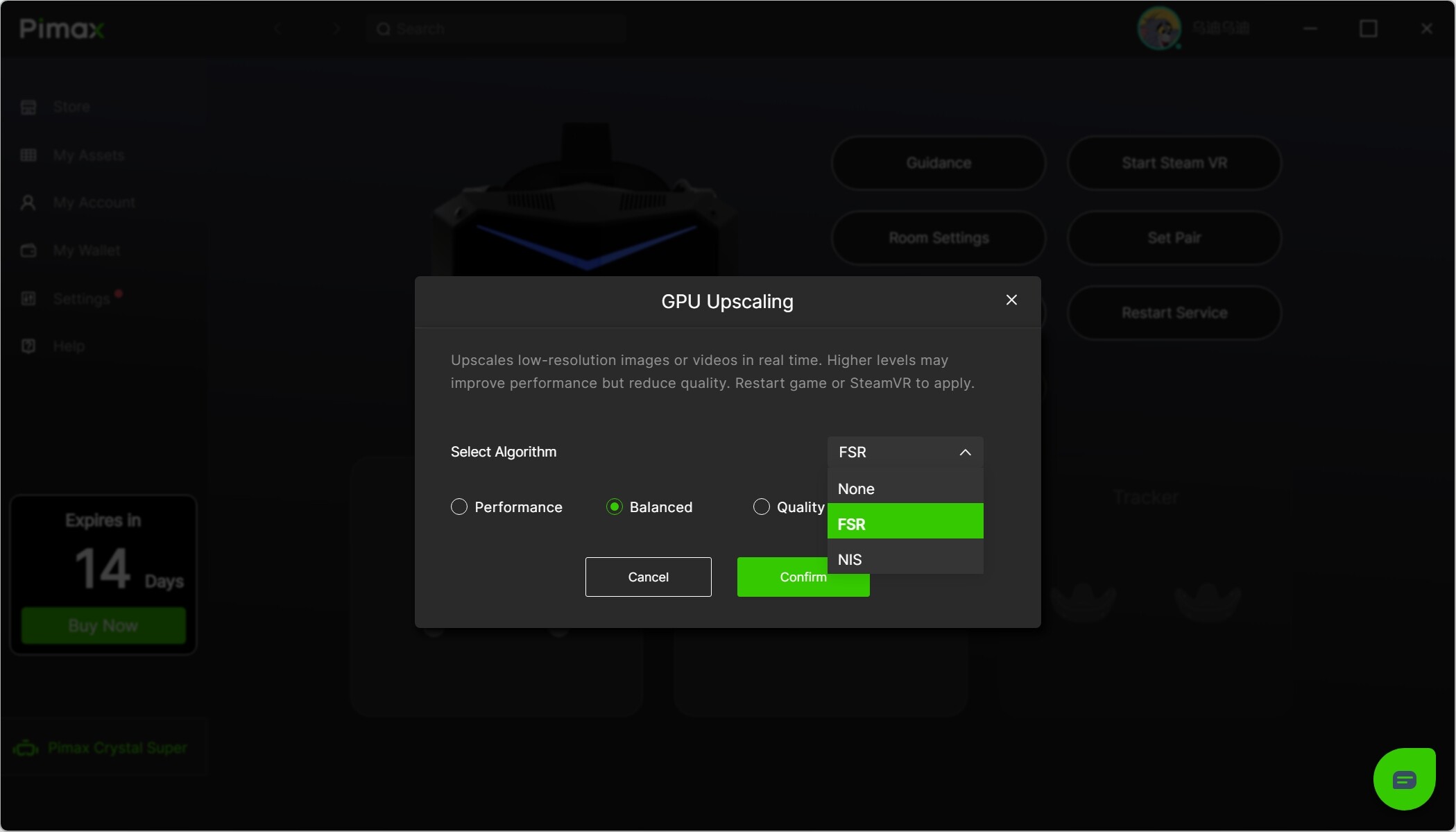
  • Added GPU Upscaling feature, improving game performance while maintaining visual quality for a smoother experience.
  • Added Quadviews customization, allowing users to adjust based on their preferences.
  • Improved clarity of Pimax’s Virtual Desktop.
  • Optimized anti-aliasing for Pimax’s Virtual Desktop.

II. Fixed Issues:

1.Crystal Super & Crystal Light:

  • Improved tracking stability.
  • Reduced CPU resource usage.
  • Fixed occasional freeze during firmware update.

III. Firmware Update:

Crystal Super Firmware V1.0.8:

  • Fixed several known issues.

IV. Rollout Plan:

  • This version is planned to be gradually sent to all users within the next two weeks.
2 Likes

With this driver, MSFS 2024 su3 beta foveated rendering doesn’t work for me with eye tracking, the foveated area remains fixed, does not move with the eye using the Crystal Super. When I revert to version 1.40.4, it works properly

1 Like

Let me report this to the development team and reach out to the Asobo team to see if they have any insights on the matter.

2 Likes

Tnx, wait for more info before download

1 Like

Small user experience issue I have seen. When I use per game setting and set custom quad view settings or scaling settings. When I go back to common setting and click quad view custom settings or up scalling settings, it shows the last values I previously entered not the values for that game

1 Like

Crystal OG here. I just installed this version and now I can no longer hold the volume up rocker for 2 seconds to get the desktop.

1 Like

Same issue with Crystal Super — the volume rocker doesn’t bring up the Pimax or SteamVR menu as shown in this video: https://www.youtube.com/watch?v=7KE6UCV2DYs

1 Like

Hey,

You’ll need to enable “Controllerless Mode.” Once enabled, you can hold the volume button to bring up the Pimax overlay.

@rsbell @karajzk

3 Likes

Okay. Let me forward this to the dev team, as the settings are not being saved.

2 Likes

An eye tracking issue occurs when using Pimax Play 1.41.1.

When using the Pimax Cristal (OG) with both the Lighthouse Faceplate and eye tracking enabled, performing a big motion (such as a 360-degree turn or sitting down and standing up) will result in a USB crash and eye tracking termination.

In severe cases, both the Lighthouse Faceplate and eye tracking will shut down with a USB error.

This issue did not occur with Pimax Play versions prior to 1.4xx.

This appears to be a USB stability issue with the Lighthouse Faceplate and eye tracking. Please check.

1 Like

I saw your comments on Reddit too.

The developers will go through the post and review all feedback. If they require additional details, I’ll reach out to you via DM.

1 Like

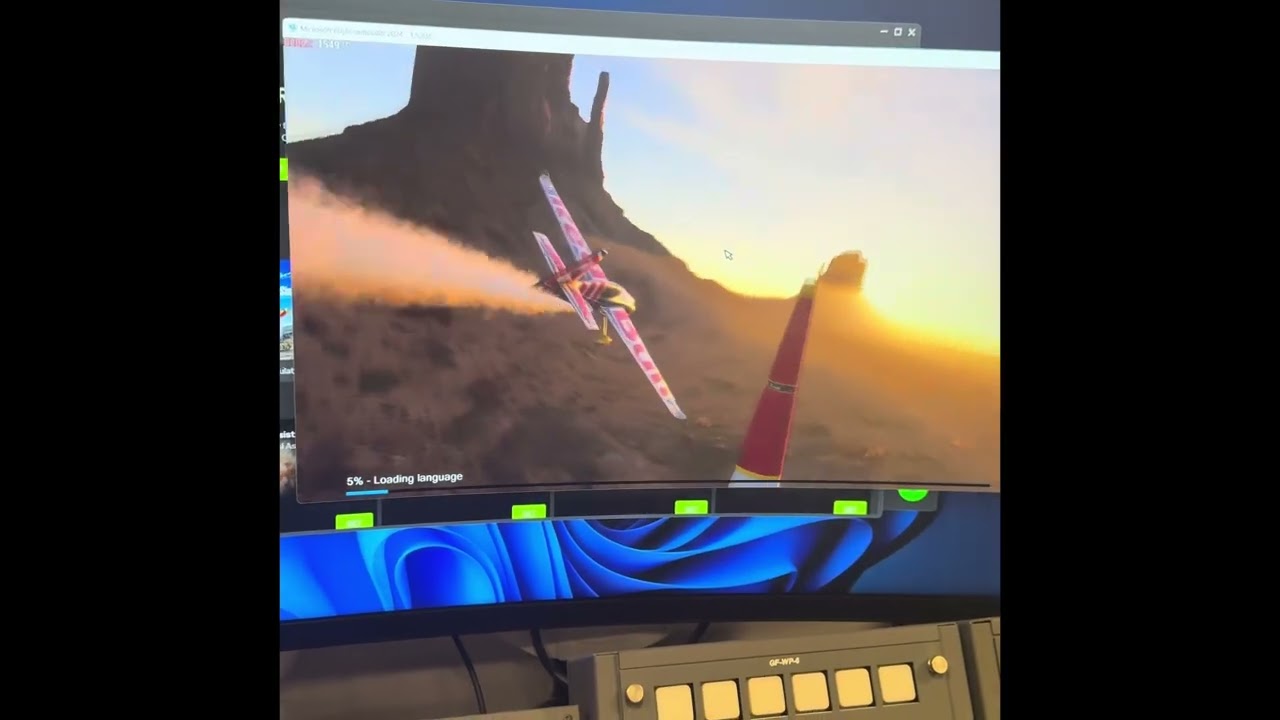
If I start MSFS2024 using Pimax Play it Triggers a warning window that the sim didn’t close correctly. If I start the sim through Steam or NVIDIA APP it starts normally.

In General: for my 8KX (Serial starts with 2075…) from Version PimaxPlaySetup_Release_ToC_V1.39.4.99_202505162025 it does not work, Error message: USB not connected.

When I revert to PimaxPlaySetup_Release_toC_V1.38.01.01.08_202502261708.exe. it works again.

For me, it is a bug. Cannot use Versions above 1.38.

1 Like

Have you tried with v1.41.1?

Launch the game from Pimax Play?

Could you please share the screenshot with me?

Got it! I’ll forward this to our dev team for further investigation.

1 Like

I found new features in Pimax play attractive; especially in cases where we can not use existing tools (OpenVR_FSR, OpenXR_Toolkit and similar). I.E. in Arizona sunshine 2, or X Rebirth VR (vulkan) no other existing scaling, sharpening or foveated rendering tool work there, only PimaxPlay. Arizona 2 with full sharpening is like another game :slight_smile:

Good job Pimax!

PS: unfortunately new features do not work in all games (that is not pimax fault, i e. foveated rendering in IL2 breakes game in a few minutes). But pimax need to repair their quad views, it is heavy un-optimised.
2 Likes

Didn’t help. And there’s no volume control.

Yes, the devs are looking into QV optimization. It seems that users prefer Mbucchia’s parameters.