I have spent several days troubleshooting my Dream Air SLAM. When it works, it looks excellent and performs well in MSFS, but getting it to start reliably is difficult.
Windows often detects the USB, audio, cameras and tracking while Pimax says the display is disconnected. I have seen Pimax errors 10500, 10517, 10518 and especially 10600. Sometimes it reports USB=1, DP=1 and Error=0, but Screen=0, so the headset remains black despite apparently being connected.
It can require several complete unplug/replug attempts before the screen works. The most successful order is:
Close SteamVR and unplug power, USB and DisplayPort.
Wait 30 seconds.
Connect power.
Connect USB and wait 20 seconds.
Connect DisplayPort and wait 30 seconds.
Only start SteamVR once Pimax shows USB=1, DP=1, Screen=1 and Error=0.
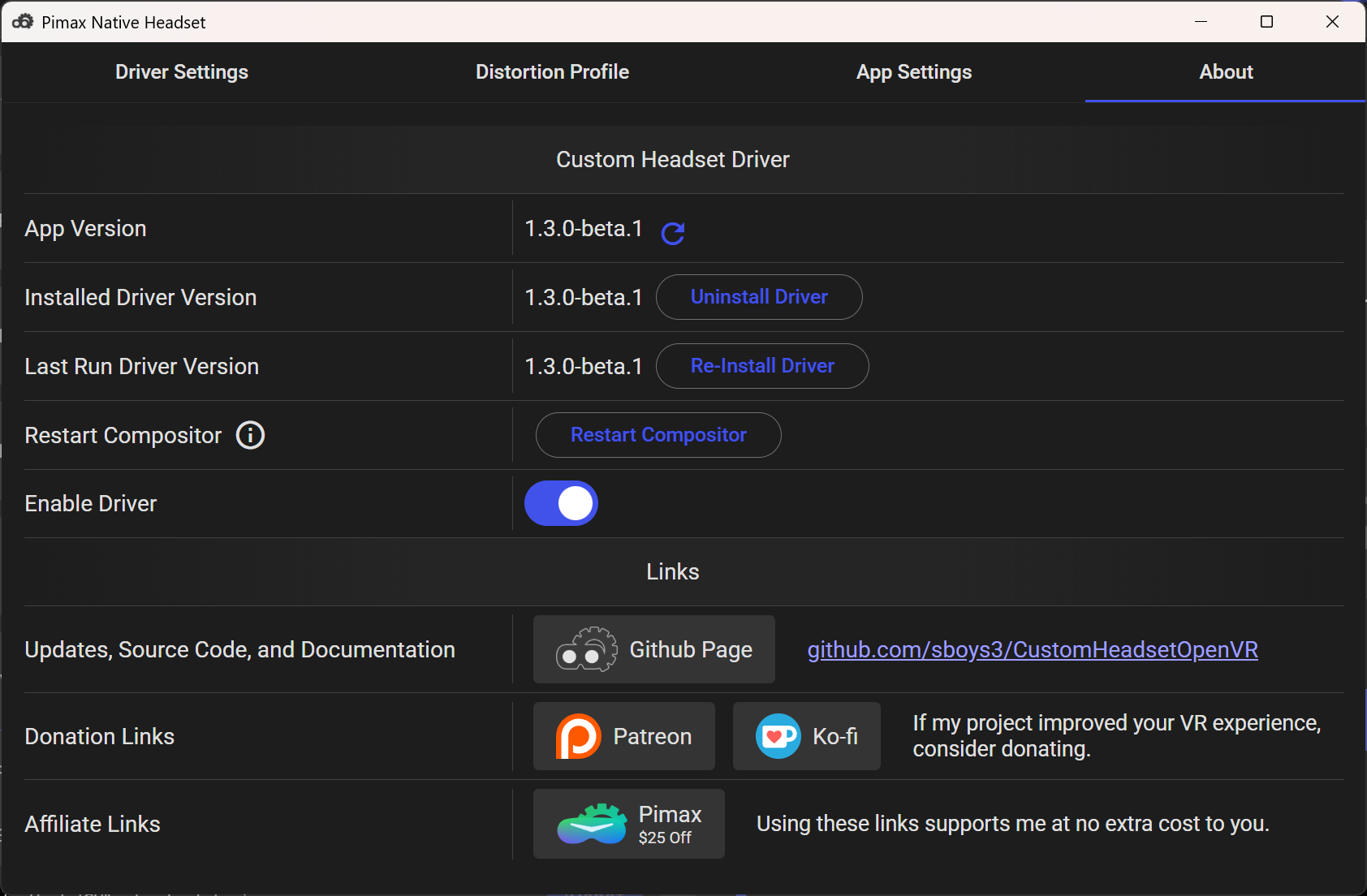
I also use Pimax EVO/OpenPort with Sboys. EVO must remain open and SteamVR must be the OpenXR runtime. If the headset screen enters standby and becomes stuck at Screen=0, restarting the Sboys compositor can make it worse. SteamVR then detects a 0 Hz display, the headset stays black and MSFS becomes unstable.
This seems to involve both Pimax’s display wake/DisplayPort handling and SteamVR starting before the display is ready. Has anyone else experienced this, and does Pimax have official explanations for errors 10500, 10517, 10518 and 10600?
BLUF: I did not receive those specific error codes. However, this morning my Dream Air SLAM display would not turn on or wake up. After completing the standard troubleshooting steps, I had to reinstall Pimax Play version 2.0.2 to get the display working again.
Background: I received my Dream Air SLAM yesterday. I installed the latest version of Pimax Play (2.0.2) and updated the Dream Air SLAM firmware to V1.0.2, as well as the controller firmware. Everything initially worked as expected.
I then installed Pimax EVO/OpenPort with Sboys, completed the setup, and played several games without any issues. I also changed some settings through EVO to access Pimax Play. Once finished, I shut everything down for the night.
This morning, the Dream Air SLAM display would not wake up, even after performing the usual troubleshooting steps. During troubleshooting, it was discovered that Pimax Play was reporting an earlier version than the 2.0.2 version I had previously installed.
I reinstalled Pimax Play 2.0.2, and the Dream Air SLAM display began working again.
Sounds like the exact thing I’m going through. Almost need to reboot a few times to get it working. I’m on reboot 2 already now trying to get it working. Its so temporamental
I had a similar issue and was convinced that my cable was bad. It would have a distorted image and black out randomly. Full disclosure- I am not very tech savvy. I was on YouTube and someone mentioned how USP ports can be overloaded. I re-routed my usb connections from my extension hub and plugged directly into my pc. (The ones that are still plugged into the port are switched off while not in use) Since I did that, I have experienced flawless operation from my Pimax Dream Air!
I am ordering a new USB card to install into my PC and avoid the extension hub completely.
I hope this can help someone as I spent many hours of frustration until I stumbled upon this easy fix. (For me anyway)
Thanks for the comment! Unfortunately, I’m not using a USB hub - straight in. Have tried different ports too. Never had any USB tracking issues - more the DisplayPort just not connecting when using Pimax Evo with SteamVR mode - do believe it’s a bug in the progra,m ait’sts okay Pimaxmax native and Pimax Play
Interesting that is happening to you. I have right click to end task enabled, and as soon as I start up the computer and as soon as the Evo app loads up the sboys3 driver I end task it. Start up steamVR and go about my play session. No need to have Evo open.
Where you able to find a fix? Is it a hardware issue?
Still battling every time I want to use the DreamAir. Now I’ve restarted and turned open port on and off. Recycling headset. Got screen to show up but then Steam showing HMCP error and now back to its not showing. It’s so frustrating. Back and forth with Pimax with Logs and delay after delay in response with no fix. I’m now sitting here in pure frustration.
Pimax please can you help get this sorted once and for all.
If you’re running any openxr layers stop them, then try uninstalling and then install the Sboys3 driver within the sboys3 program. Exit everything after that. Start up evo and if developer port is enabled let it load up, then load steamvr and see if that fixed it.
I received the Pimax dream air slam 5 days ago and since day one I have not been able to configure it or play any game. The screen showed up one time after much fiddling around but the ,“in house Saturn space view” I could see was very jerky unstable. Since that I have only a green light on the headset. It turned only twice blue but intermittently. Now whatever I do it stays green.
If it isn’t a Hardware failure as the connections seem to be very unstable, I think this headset is not ready for sale. It is surely not plug and play, very frustrating. I paid 2,430.89€ with taxes.
Had it shipped to Spain to my son so he can bring it to me to the Dominican Republic and avoid very high taxes. Now with all issues with this headset and the ones I see in internet, I regret my purchase, probably ask for a refund.
 )
)