Hi everyone,
I recently received my Pimax Dream Air Lighthouse on June 1st, 2026, and I would like to ask the OpenMR community and any Pimax team member here for help with a reproducible display issue I am experiencing at 90 Hz.
I have already opened an official support ticket with Pimax. In that ticket, I have provided logs collected under different test conditions, including 72 Hz and 90 Hz, with different Pimax Play versions and also using the SBoys3 / Custom Headset native SteamVR driver. I am posting here because I would also like to know if anyone else with a Dream Air Lighthouse, especially with an RTX 5090, has seen similar behavior.
Product:
Pimax Dream Air Lighthouse
Headset firmware:
V1.0.2
Main issue:
At 72 Hz, the headset can work correctly.
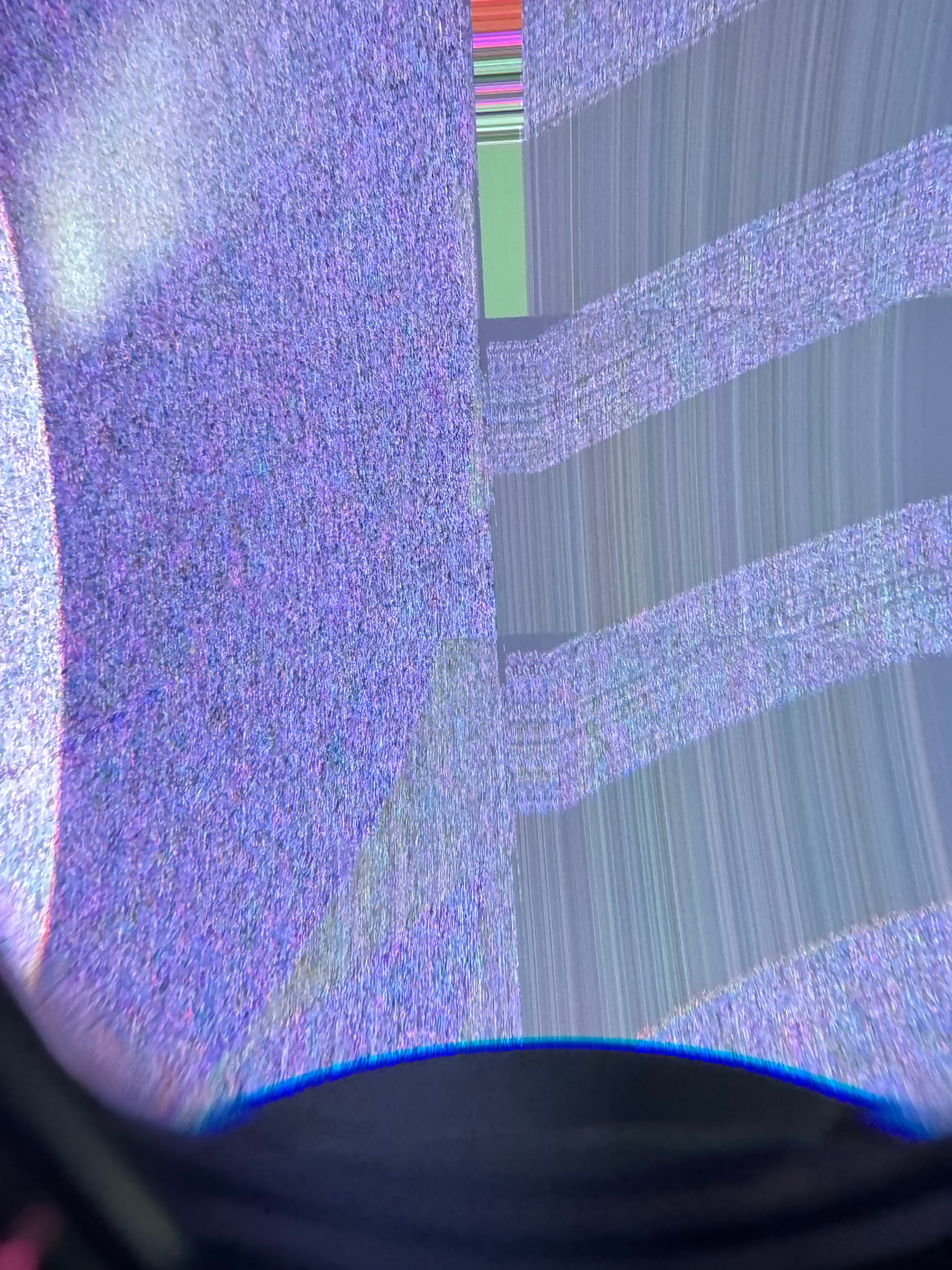
At 90 Hz, the right display/eye shows severe image corruption, flickering, abnormal brightness behavior and visible vertical/diagonal line artifacts.
The 37-second video can be viewed/downloaded here:
This video shows the Dream Air Lighthouse running at 90 Hz. The right display/eye shows severe image corruption, flickering and visible line artifacts, while the left eye continues to work correctly.
The issue has been tested with:
- Pimax Play 2.0.0.89
- Pimax Play 1.44
- Native SteamVR mode using the SBoys3 / Custom Headset driver
In all tests, the failure is reproduced at 90 Hz. I also tested the headset at 72 Hz to compare the behavior.
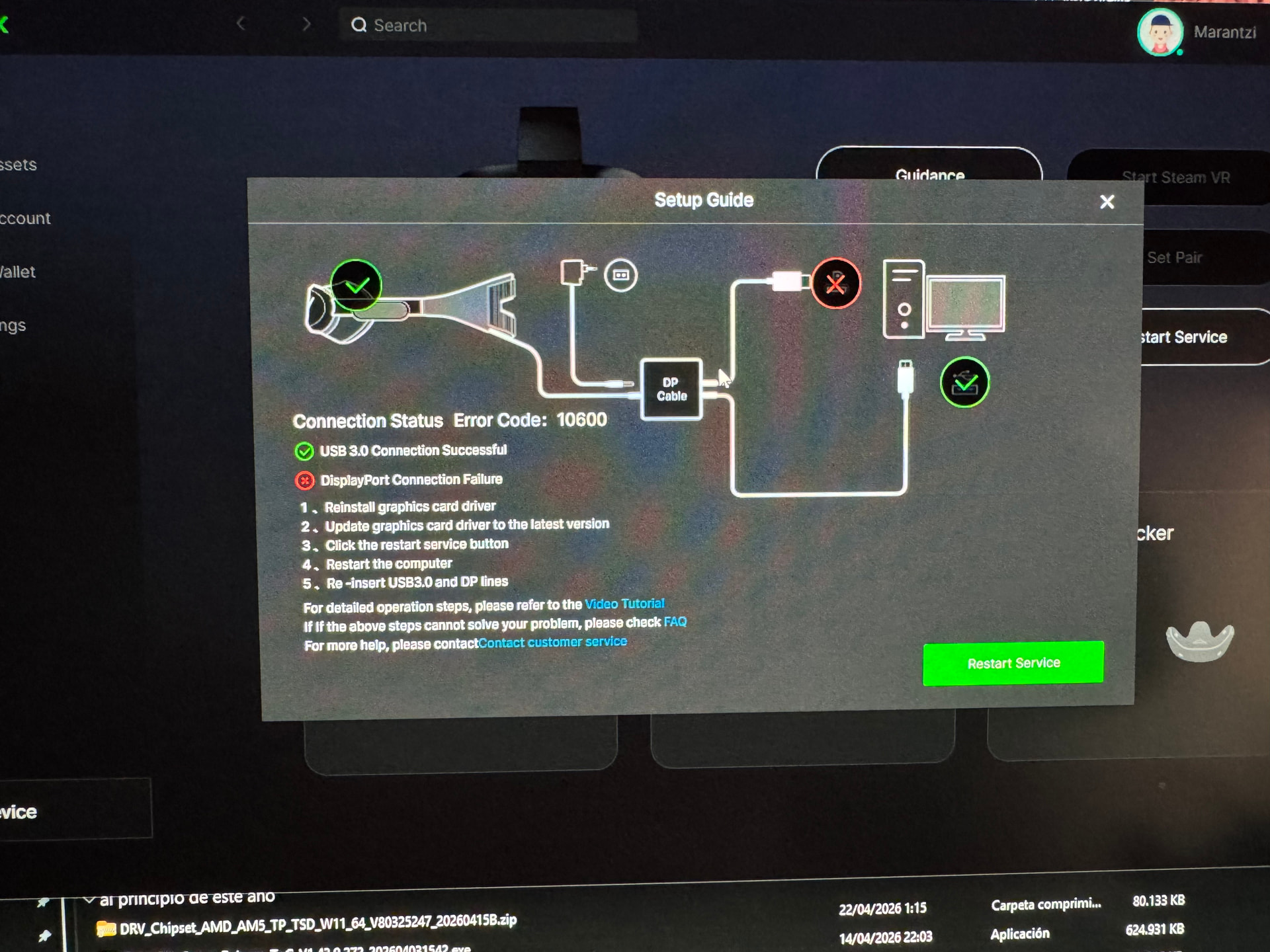
In addition to the 90 Hz issue, I initially had serious problems getting the headset to be correctly detected through DisplayPort. Pimax Play showed a “DisplayPort Connection Failure” with error code 10600, while the USB 3.0 connection was shown as successful.
To troubleshoot this, I tried several steps: disconnecting and reconnecting the DisplayPort cable, trying different DisplayPort and USB ports, fully shutting down the PC, completely disconnecting the PC from power, restarting Pimax Play, restarting the Pimax service and testing different Pimax Play versions.
Eventually, the headset was detected again, but it was not clear which specific step solved the DisplayPort detection issue, or whether it was the combination of several of them.
Additional notes:
- With Pimax Play 1.44, eye tracking was configured successfully on the first attempt.
- I was also able to visually confirm the infrared LEDs around the lenses using a mobile phone camera.
- The problem does not appear to be related to insufficient PC performance, nor to a general limitation of Windows, NVIDIA or my hardware configuration.
- I already own a Pimax Crystal Super. I previously used the Ultra Wide module, which was even more demanding in terms of resolution and graphics load, and I later returned that Ultra Wide module. I currently use the Sony micro-OLED module for the Pimax Crystal Super.
- With both the Ultra Wide module and the Sony micro-OLED module, my Pimax Crystal Super has worked correctly on this same PC, with this same Windows configuration and the same NVIDIA drivers.
- In both cases, the Crystal Super worked correctly at both 72 Hz and 90 Hz, and my normal usage has always been at 90 Hz.
- Because of that, I do not believe this is caused by insufficient GPU performance, my Windows configuration or a general NVIDIA driver incompatibility.
PC configuration:
- GPU: NVIDIA GeForce RTX 5090
- NVIDIA driver version: 591.86 DCH
- CPU: AMD Ryzen 9 9850X3D
- Motherboard: ASUS ROG Strix X670E-E Gaming WiFi
- RAM: 100 GB at 6000 MHz
- Operating system: Windows 11, version 25H2
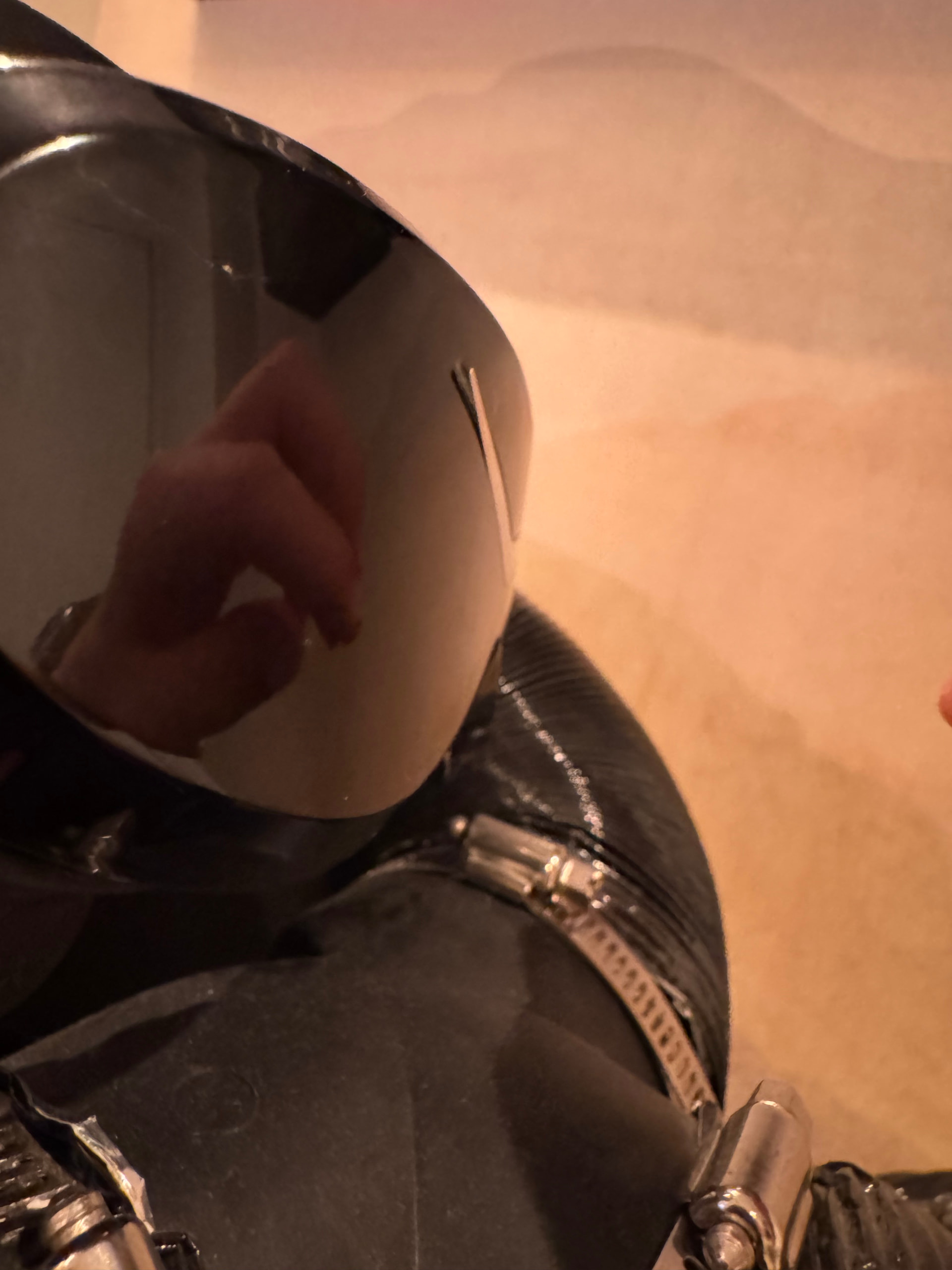
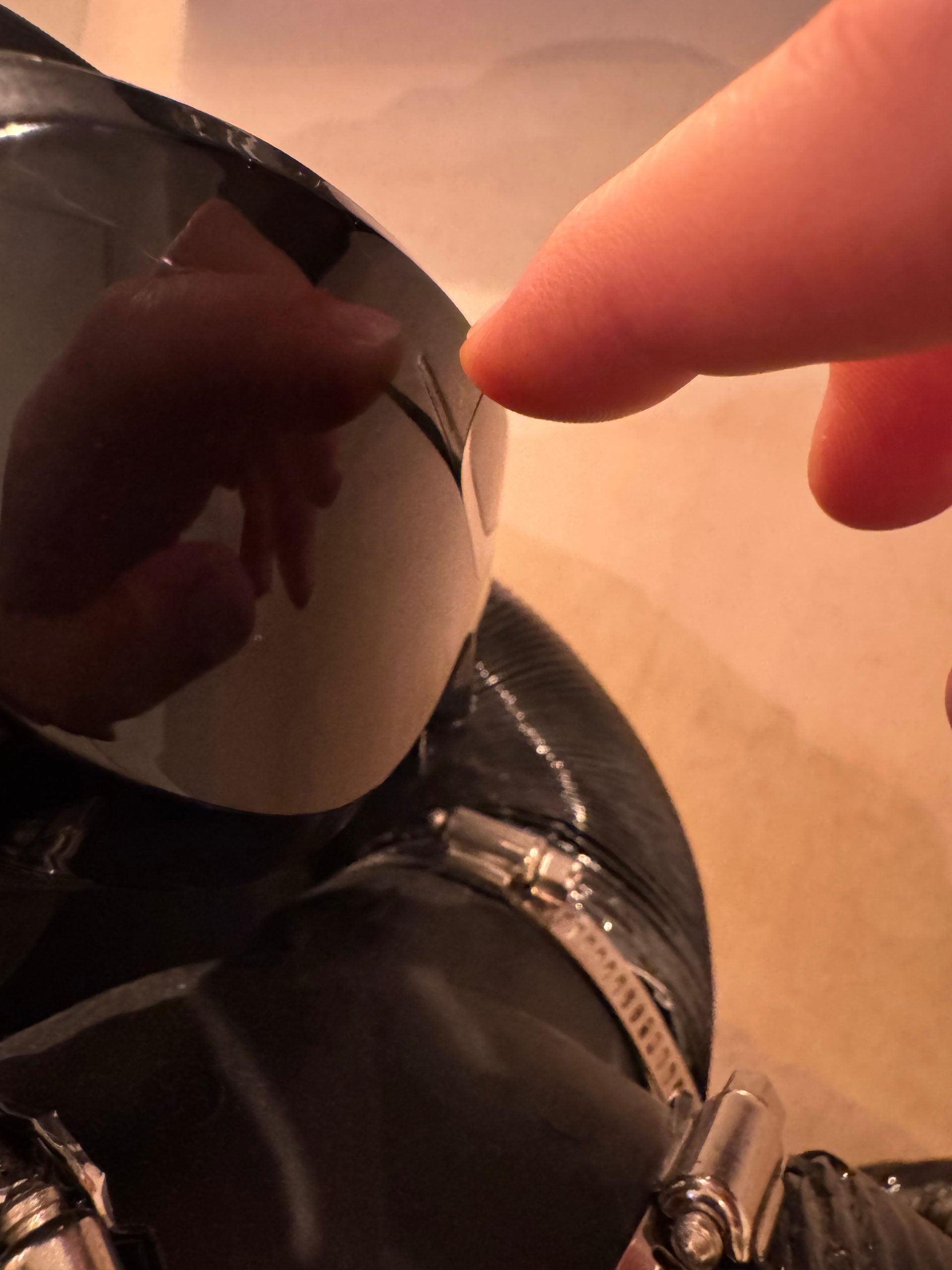
There is also a physical build-quality issue: the silver V-shaped front trim of the headset has started peeling off after very limited use since receiving the unit. I have photos showing this and I also reported it in the official support ticket.
My current interpretation is that since the issue is reproducible with multiple Pimax Play versions and also when using native SteamVR through SBoys3 / Custom Headset, this may point to either a hardware/display issue or a firmware-level issue related to 90 Hz operation.
I would appreciate any feedback from the community or from anyone at Pimax:
- Has anyone else seen similar 90 Hz behavior on Dream Air Lighthouse?
- Could this be related to the Dream Air video pipeline, DisplayPort link training, DSC, firmware, or RTX 5090 compatibility?
- Is there any newer firmware or engineering build that could be tested?
- Does this look more like a firmware/software issue or a unit-specific hardware problem?
Thanks in advance for any help or suggestions.
Best regards