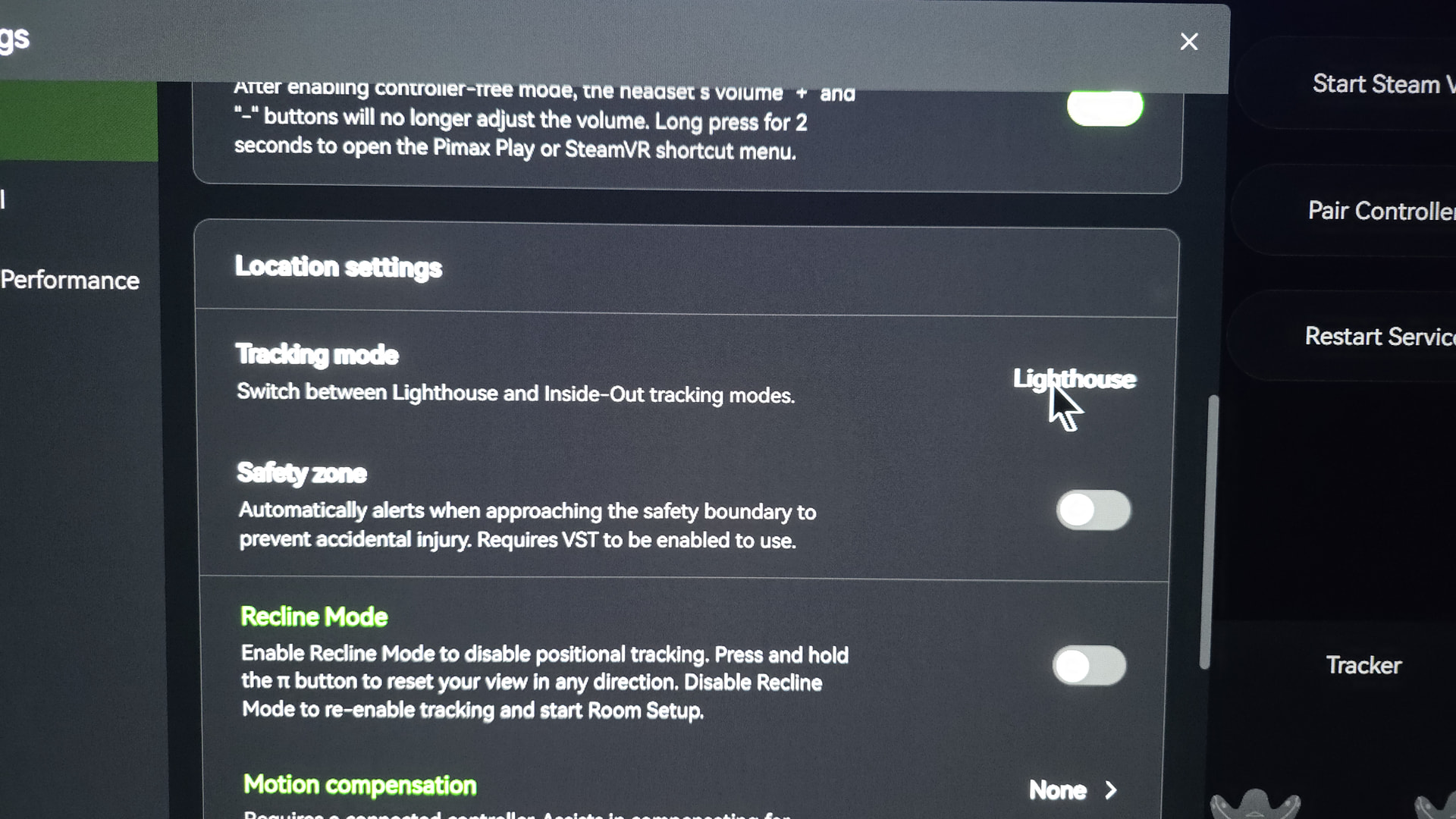
the Crystal Super Lighthouse faceplate doesn’t work well with EVO. The mouse stutters slightly, and tracking fails to hold its position—it keeps restarting.
the Crystal Super Lighthouse faceplate doesn’t work well with EVO. The mouse stutters slightly, and tracking fails to hold its position—it keeps restarting.
Friend, I’m in the same boat as you. I’ve ruled out all the possible causes of the problem in my room, and indeed, the Lighthouse system is broken, not only in the Pimax Play Evo, but also in version 2.0.1.
Only in version 1.44.2 have I been able to get somewhat acceptable tracking; it still has occasional loss of tracking, but these seem to be random and infrequent, for half an hour. I also own a DA with the Lighthouse system, and both the faceplate and the DALH have micro-jittering issues.
This was documented before I even received the viewer; I’ve been able to verify it myself, and in a Spanish Telegram group, 50% of the viewer owners describe this problem. We’re obviously talking about leaving the viewer perfectly still, without any movement that might affect it.
I hope this changes; the Lighthouse system doesn’t have this kind of problem in other VR sytem. It was supposed to be a more sophisticated tracking system. This needs to be fixed.
No problem here with tracking what I do find annoying is that I can’t acces the pimax menu from inside the headset using my index controllers you guys also have this problem? Maybe it’s because I have the runtime set on steam vr but with the slam faceplate I could use the pimax controllers it just seems weird that for some reason it doesn’t work with the valve index I mean on my 8kx and pitool everything worked fine maybe I’m doing something wrong?
Confirm.
Back to 1.44.1
Hi DJspyker,
Thanks for your comment. The main thing I would like to know from your case is very specific: if you are not having any tracking problems with the Crystal Super + Lighthouse faceplate, which exact version are you using?
I mean:
Pimax Play / EVO version.
Headset firmware version.
Whether you are using 1.44.x or 2.0.1 / EVO.
Whether your runtime is SteamVR or Pimax/OpenXR.
Whether you are using Lighthouse base stations 1.0 or 2.0.
Whether the tracking is really stable when the headset is completely still, with no micro-vibration, no drift and no position/mouse stutter.
I’m asking because in my case, with the Crystal Super + Lighthouse faceplate, tracking is clearly worse on Pimax Play 2.0.1 / EVO: I notice instability, micro-vibration and irregular behavior. When I go back to 1.44.x, tracking improves a lot and becomes much more acceptable.
So your exact configuration would be very useful. If it works well for you, it could help us understand whether the problem is related to EVO/2.0.1, firmware, SteamVR, the base stations, or a specific configuration.
Hi there I’m using pimax play 2.02 and I have 2 base stations 2.0 for stand up play and a third for playing seated with all the tracking is very good doesn’t really make a difference using steam vr or open xr runtime but when using open xr I have to set sleep mode for my index controllers to never because if I push the button steam vr will open and the game will crash besides that everything runs very smooth but a while back I was still using inside out tracking and I had a lot of problems with tracking and the image following my head movement it was very uncomfortable and I had to lower the setting to 72 hz for it to be playable but still had the same problems but less frequent but it turned out to be my cpu as it was the bottleneck of my system I recently upgraded to a ryzen 7 5800x3D and this solved all those problems now I can run the headset on 90 hz with every game no problems with tracking at all lighthouse or inside out I never would have expected that my cpu was the problem because I had a 16 core ryzen 9 cpu the 3950X but it turned out it was the culprit and I found this out with the help of ai setting up my pc for Skyrim vr with a modlist the ai said my cpu was not good enough and I should consider a upgrade so I tried and it’s such a huge difference my pc starts up much faster and runs so much smoother since I upgraded the cpu and all my problems were gone just like that no I’m getting good performance in all my games although I need to fiddle a bit with the right settings because my pc is already 4 years old now and I have a 3090 graphics card but I’m okay with the performance and everything looks great in my crystal super oled okay a better pc will probably boost up the visuals significantly but hey as long as you don’t know what you’re missing it’s not really a problem hope that you can work out the problems and really enjoy you’re headset Grtz
Hi. Can you explain how to turn off the sleep Mode for the index controller?
It’s somewhere in the pimax play menu it’s not hard to find it’s somewhere on the device tab I don’t really know for sure I would have to start up my pc but trust me just go over the settings and you can’t miss it
Nobody not know?