Anyone tried VectorXR yet?
Looks interesting, though it is getting confusing with so many 3rd party apps. Could be useful for the likes of DCS and MSFS, since I havent been able to get Pimax EVO or Sboys3 drivers working properly for me.
Anyone tried VectorXR yet?
Looks interesting, though it is getting confusing with so many 3rd party apps. Could be useful for the likes of DCS and MSFS, since I havent been able to get Pimax EVO or Sboys3 drivers working properly for me.
I use it all the time with Sboys3. VectorXr is a must have If you’re into DCS and I’m sure many other games that are able to utilize Quadviews (and for that matter openXR)
What problem you have run into?
This looks to be potentially a good replacement for OpenXR Toolkit which is no longer supported and is end of life.
Very nice find.
Hello, I’m the dev behind the VectorXR project. Please let me know if you have any questions or issues, and I’ll do what I can to assist! VectorXR is designed particularly around improving flight sims, and one of its standout features is the ability to coordinate the Quadview DFR rendering alongside Pivot (think XRNS), allowing the foveated zone to follow your enhanced head rotation in DCS.
VectorXR also supports some universally applicable modifications, such as Depth. Development is ongoing, and I’m hoping to add new features and capabilities over time based on community feedback.
Welcome to OpenMR! I have edited your Title as VectorXR DeV.
Please reach out.
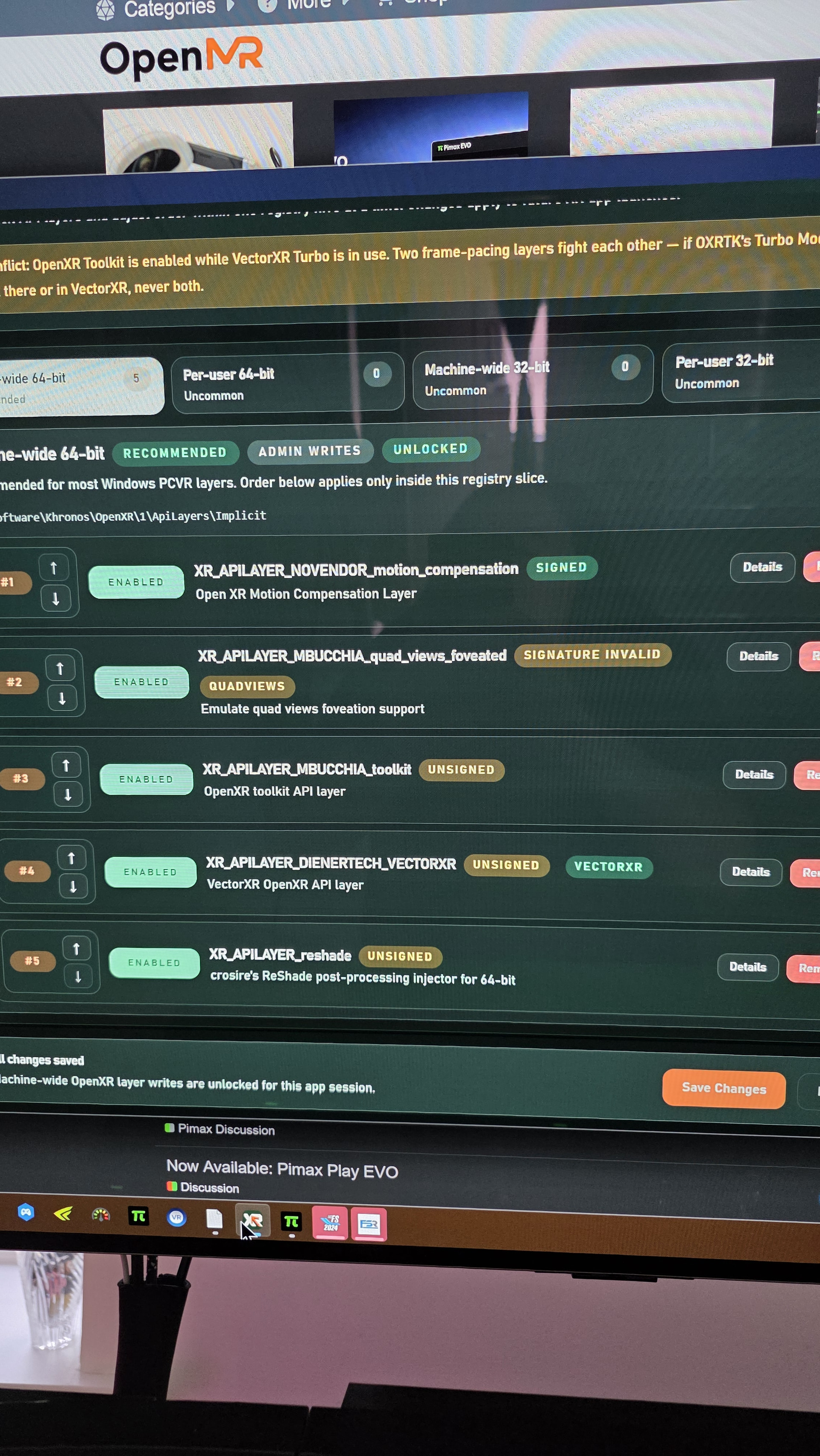
You’ll want to use only one OpenXR layer at a time, at least those that are modifying the same type of data. For instance, if you want to try out VectorXR’s Quadviews, you’ll want to turn off mbucchia’s QVF & the OXRToolkit, as well as Pimax Play Quadviews from runtime settings.
When performing initial setup, I’d recommend turning off all other OpenXR layers to start, and then enabling layers one at a time and testing compatibility. Layers like ReShade and motion compensation should be compatible, but these layers can interact in weird and unexpected ways.
Thanks for info
I tried to use VectorXR, however i ran into an issue with the vectorXR runtime active but with MB’s quadviews off, my DCS game would crash on launch every time.
I got no clue why.
The game would launch fine with no other OpenXR runtimes active,
It just didnt want to launch with just VectorXR active by it self. It would work for some reason with MB’s QV layer active alongside VectorXR. but never VectorXR by it self
Hello, thanks for trying out VectorXR.
As a quick troubleshooting tip, I’d make sure that Pimax Play Quadviews are also turned off. You’ll want eye tracking turned on in Pimax Play, and then within DCS, enable Quadviews, and enable eye tracking. Turn off all other OpenXR layers aside from VectorXR for testing.
If you still encounter crashing, please create an issue on the project github ( Issues · DienerTech/vectorxr · GitHub ) , and attach the VectorXR log export (available form the home page on the app). I’ll take a look at what’s going on.
VectorX is absolutely amazing. Especially since i havent been able to get sboys3 working with dcs properly. well.. sboys works, but when i have it enabled quadviews is disabled, and i havent been able to figure out how to get it working. another thing about sboys is that i cant use it in controllerless mode. i think it rrquires a controller to at least minimize the steam menu.. and since i use the standalone dcs, i have no use for steam anyways.
The only think missing from VectorXR is the lumen sharpening filter
I waiting for msfs 2020/24 with vectorxr. Now not working good.
Can’t you alt tab and go to the steamvr menu on the task bar and just toggle off the dashbar? It’s what I do when I load up to play. Also I think in the steam folder common apps folder you’ll find the Steamvr standalone (I think it’s VRmonitor) just load that up and pin it if you don’t want to go and load steam wait for steamvr to load only then exit out of steam to leave steam VR running, which is another way to skin that cat..
reinstalling VectorXR with MBucchia QVFR OXR layer disabled stopped the crashing.