Hey I just realised, you said turn off automatic ipd and set it manually PRIOR to starting SteamVR but they don’t allow changes to ipd without starting SteamVR first. 
Hi! I would do it, but I am not at the MRTVHQ right now. 
3 Likes
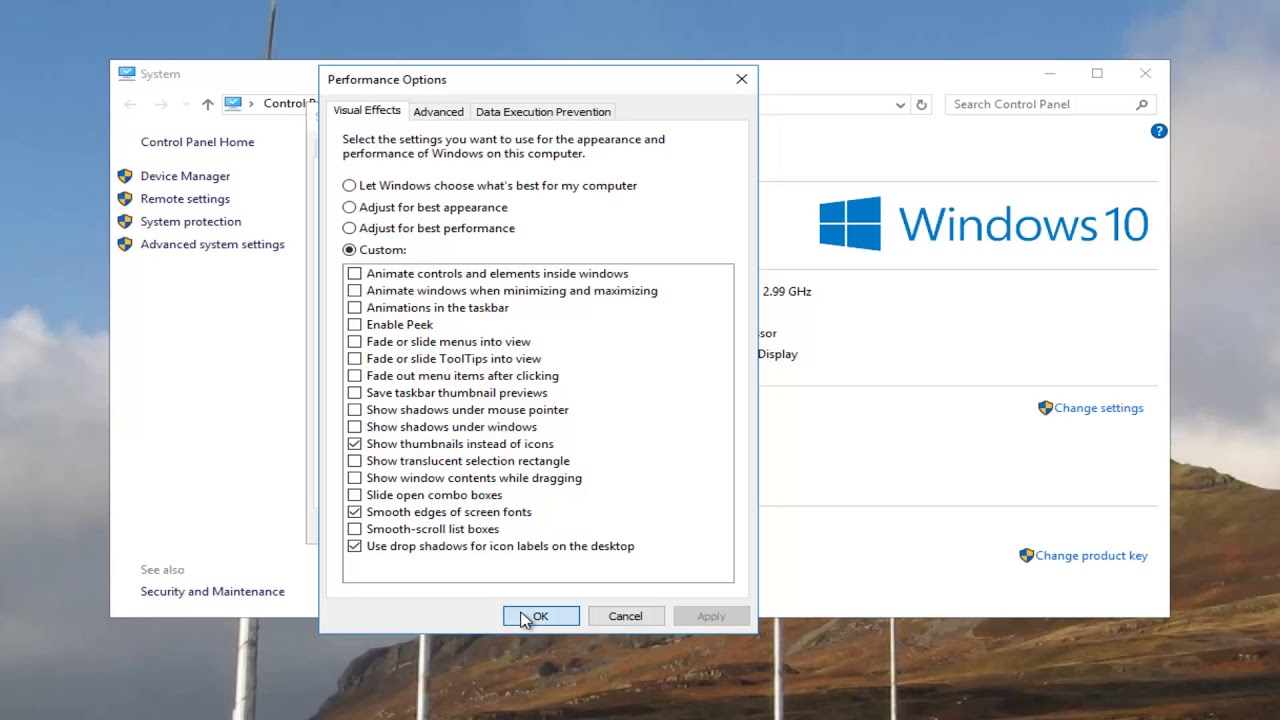
Try add / raise some Virtual memory to system disk…
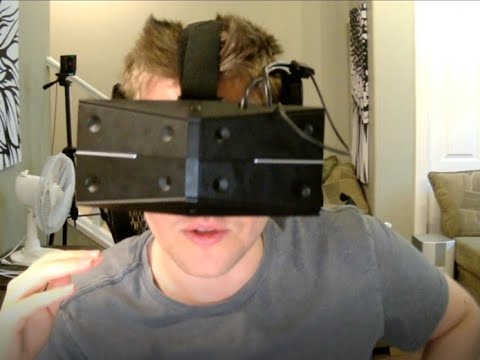
Boy it’s hard to make a video on the fly. I’m actually writing down a script for me to read through lol
1 Like
5 Likes
SteamVR recently released a beta version that has OpenXR support:
Maybe enabling SteamVR beta will improve the image quality on the StarVR? I haven’t tried it yet, but I noticed when I launched SteamVR that it said OpenXR was being used by another application other than SteamVR.
So, an interesting experiment would be to change the (green) mura files and see if that actually changes the mura. The mura PCD files are in fact 100% PNG files (I checked the file headers, everything is there, these are normal PNG files). However in order to change them, the attributes/sections need to stay the same (so you can’t use windows paint for example). You can do this with GIMP (freeware).
In GIMP open the PCD, edit it like you want, export it and then deselect all options that GIMP presents and leave the compression at 9.
I did that with one file already:
If anyone wants to test, overwrite the two _G.PCD files in your appdata directory (most likely in C:\Users\MYUSERID\AppData\Local\StarVR\mc) with the file above. Leave the original filenames unchanged and reboot. Best to first save the originals with the ‘export’ function of the Compass software (though you can always download them again with the download button).
Would be really interesting to see what happens. Also in theory this would open up the possibility to make the mura better for your particular panels, although this would be an extremely tedious job.
One thing I don’t get though is the resolution of these files: 1194x2240 pixels, as the panels supposedly are 1,830 × 1,464. Maybe @risa2000 has any idea why these PCD’s/PNG’s have that resolution? BTW, interestingly if you multiply these are almost the same pixels amounts. Maybe this IS the actual panel resolution?
3 Likes
First of all, thanks to Djonko, if the Mura ever gets corrected it’s 100% because of him and his ideas. He deserves a tip from all the SVR1 owners after this lol.
I just tried modified Mura files with modifications over them to spot if they were loaded. Only the green files do anything. I tried all the pairs one by one.
here are the pairs with modifications if anyone wants to try.
muratest.zip - Google Drive
The mura correction files are located at: /AppData/Local/StarVR/mc
Make sure to reboot SteamVR between each attempt. Deleting all the files in the mc folder will allow you to download them again in compass.
How it looks after swapping the _G.PCG file:

2 Likes
Thanks so much for trying this! Awesome to see that it indeeds confirms what I saw in the driver code; it only processes the green channel. Not sure what the idea behind that is, it makes little sense if you ask me. Like you can also see in the photo you shot, it just changes the color if you only process 1 channel instead of all 3 (taking out the green color in this case)… No wonder why there’s mura. The thing that puzzles me though is why @mixedrealityTV says he’s not seeing mura as he must be using the same driver code. I’m at loss here …
5 Likes
Did it fix the Mura?
1 Like
No, it’s not a fix. It’s a test to see if all the mura corrections(red green blue) are applied. We’ve found that only the green one is(as said in the vrserver.txt logs).
I just need others to try it and confirm that the blue and red mura correction also aren’t working on their unit. You replace 1 color pair with 1 pair of my files and check if you see the modifications. Start with green so you know what to look for. You can open the files in Paint to understand. Let me know if you need help/have questions.
1 Like
Below I am sharing more explanation about Mura and StarVR given to me.
"Here is a more detailed explanation if you’re interested: the Mura effect in the StarVR is due to OLED being organic and each sub-pixel emits different amount of light for a given power input leading to some kind of pattern like a fabric fixed in front of your eyes (especially visible with the green color and lower values).
The same happens with all OLED based VR HMDs (Vive, Oculus CV1) and they have the same type of correction we have, applying an offset to each sub-pixel with data captured at the factory (I know all this because I wrote the tool to capture and compute it for StarVR).
*Can you make sure you have the files for your HMD ? You can search for any .PCD files in your computer, if the tool installed them you should find them in a directory called mc (Mura Correction) in the driver directory if they didn’t change that after I left.
If you don’t have them and the compass tool somehow failed to download and install them, Acer can manually retrieve them for you if you push them, you will need to find the two display serial numbers (maybe in the SteamVR server log)."
4 Likes
Maybe that’s their reasoning behind their driver processing only the green mura correction files? They must at least have had the intention to use also Red and Blue though, since the PCD files are there, they’re just not being used. Either way their mura correction seems quite bad. I even wonder if the ‘data capture at the factory’ is correct, since @vrftw said he doesn’t notice much difference with or without the files. I guess with a good camera one could try to capture shots of still photos with some markers in them to see if the mura files can be improved. But it would be a lot of work. And again, I wonder if only fixing the green color is enough
3 Likes
I submitted a ticket to the StarVR team with all the information we found. Hopefully they can fix the red and blue mura channel correction to fix the hmd!
2 Likes
Thanks for all of your work, thats fantastic! I don’t really want to mess around with my mura files though, $3200 is too much to mess around with… I want to help but don’t want any chance of messing up my headset
2 Likes
Don’t worry about testing it. If you could you send me your /Steam/logs/vrserver.txt in pm it will help a lot. 
edit:
crispybuttphd sent me his vrserver.txt file and as expected, only the green mura files are loaded.
1 Like
Pro tip: The more perfectly 100% aligned you get your upside down Ts the more accurate your ipd reading will be. When it’s perfectly aligned I get an IPD of 64.1 or 64.2. When it’s just slightly off, I get 64.8 or higher. It reduces the blurryness getting the auto ipd right. The triangle alignment is just for ipd, not necessarily how to wear the headset.
2 Likes
I wonder if we should set the ipd manually to what we know our IPD is instead of having it vary slightly whenever we put on the headset
2 Likes
Still haven’t gotten an update on my latest ticket yet. They replied to my previous one so shouldn’t take too long.
3 Likes
So I’ve been trying to get Project Cars 2 to work with the Star VR. I’ve been analyzing the pCars2.exe file and pCars2AVX.exe and what is interesting is I can see it is loading openvr_api.dll and tobii_gameintegration_x64.dll from the x64 folder, but there is no reference to StarVR.dll
I’m trying to figure out how to insert a reference to StarVR.dll inside the executable. Currently experimenting with Ghidra.
I also tried to use this method:

Along with Copying over some Revive files and renaming xinput dll to xinput9_1_0.dll as that is the one being referenced in PC2. The game crashes whenever I load it in SteamVR mode but now it still manages to load in non-VR mode.
Also interesting is I found references to xml files in the executable and one of them was “graphicsconfigstarvrdx11.xml” which is a file that doesn’t exist in the PC2 folder. I tried to copy the openvr xml and rename it to starvr but that didn’t seem to make a difference.